Opens in a new tab
Software Training Institute in Chennai with 100% Placements – SLA Institute

WordPress Course in Chennai

(2721)
duration
2-3 Months
EMI
0% Interest
Mode
Live Online & Classroom Training

The SLA Institute is a great place to learn WordPress Course in Chennai. They offer training for students, recent graduates, and job seekers, teaching them how to create websites. The WordPress course covers various topics, including setting up WordPress, building websites, managing domains and hosting, customizing website designs, adding plugins, creating content, and maintaining websites. The instructors at SLA Institute are experts in their fields and provide hands-on learning experiences, allowing students to build functional websites that work well on both phones and computers. The WordPress course at SLA Institute helps individuals improve their web development skills and enhances their job opportunities in the field.

Book Free Demo ClassTalk to a Career Advisor
0+

Students Trained

0%

Placement Rate

0+

Years Experience

0+

Hiring Partners

Why SLA

  • Industry Professional Trainers
  • Real-Time Live Projects
  • 1000+ Hiring Partners
  • 0% Interest EMI Options
  • Lifelong Placement Support
  • Globally Recognized Certifications

FLEXIBLE LEARNING MODES

OnlineOfflineHybrid

Check Your Eligibility for IT Training

Ready to start your tech career? Whether you have recently graduated and want to begin your IT career, or want to upskill for your next phase, our Eligibility Assessment Form makes the process easy to begin. For this WordPress Developer Course, we will match your skills and goals to the best training structure for you. Just fill in the form below for an easy start on your course. Take your first step today!

What We'll Need From You?

Personal & Contact Details

Name and phone number for direct interview updates

Academic Background

Age category, educational qualification, and graduation year.

Technical Experience

Prior programming knowledge and relevant IT certification details.
KNOW MORE ABOUT COURSE +91 86818 84318

IT Training Eligibility TEST

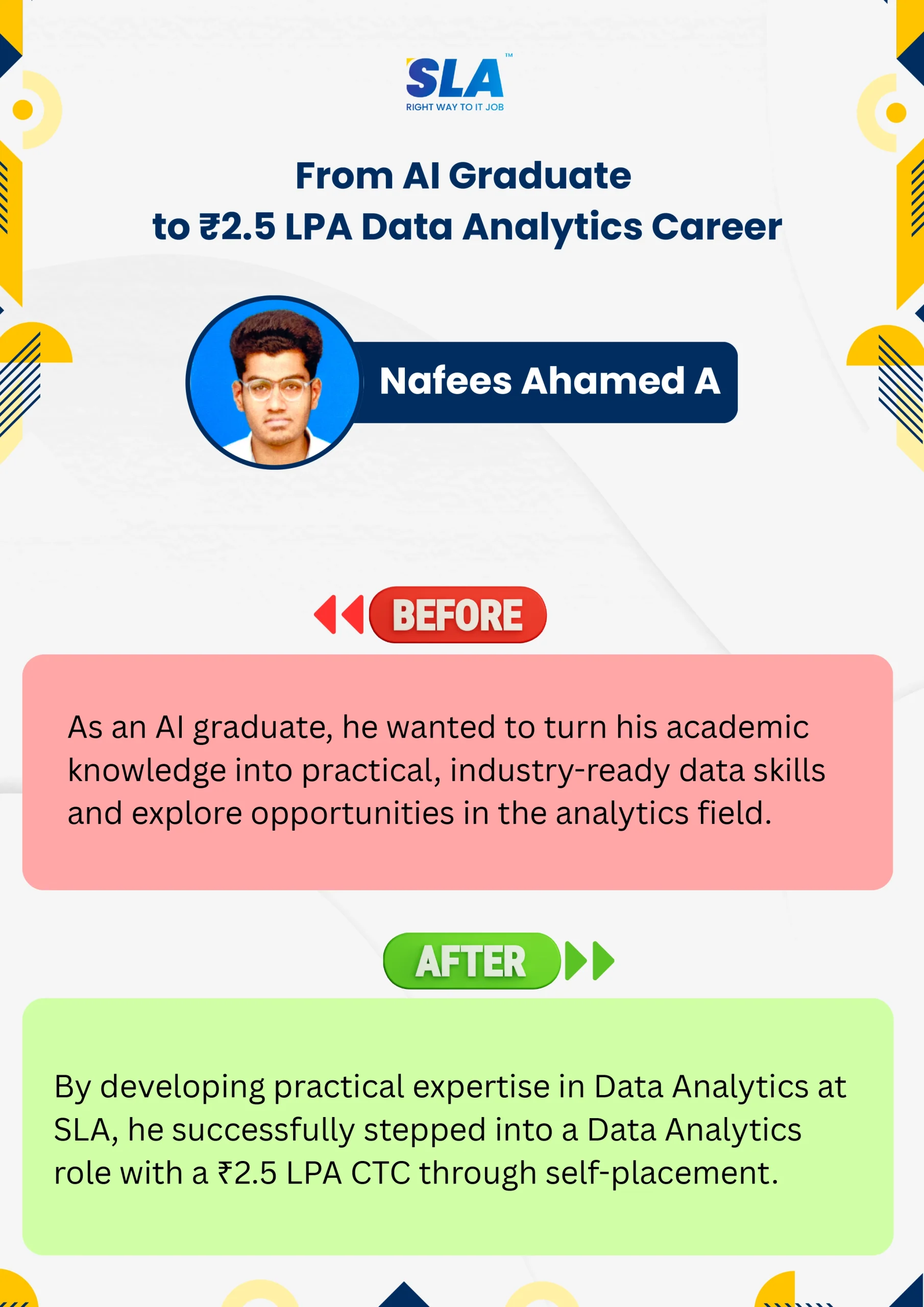
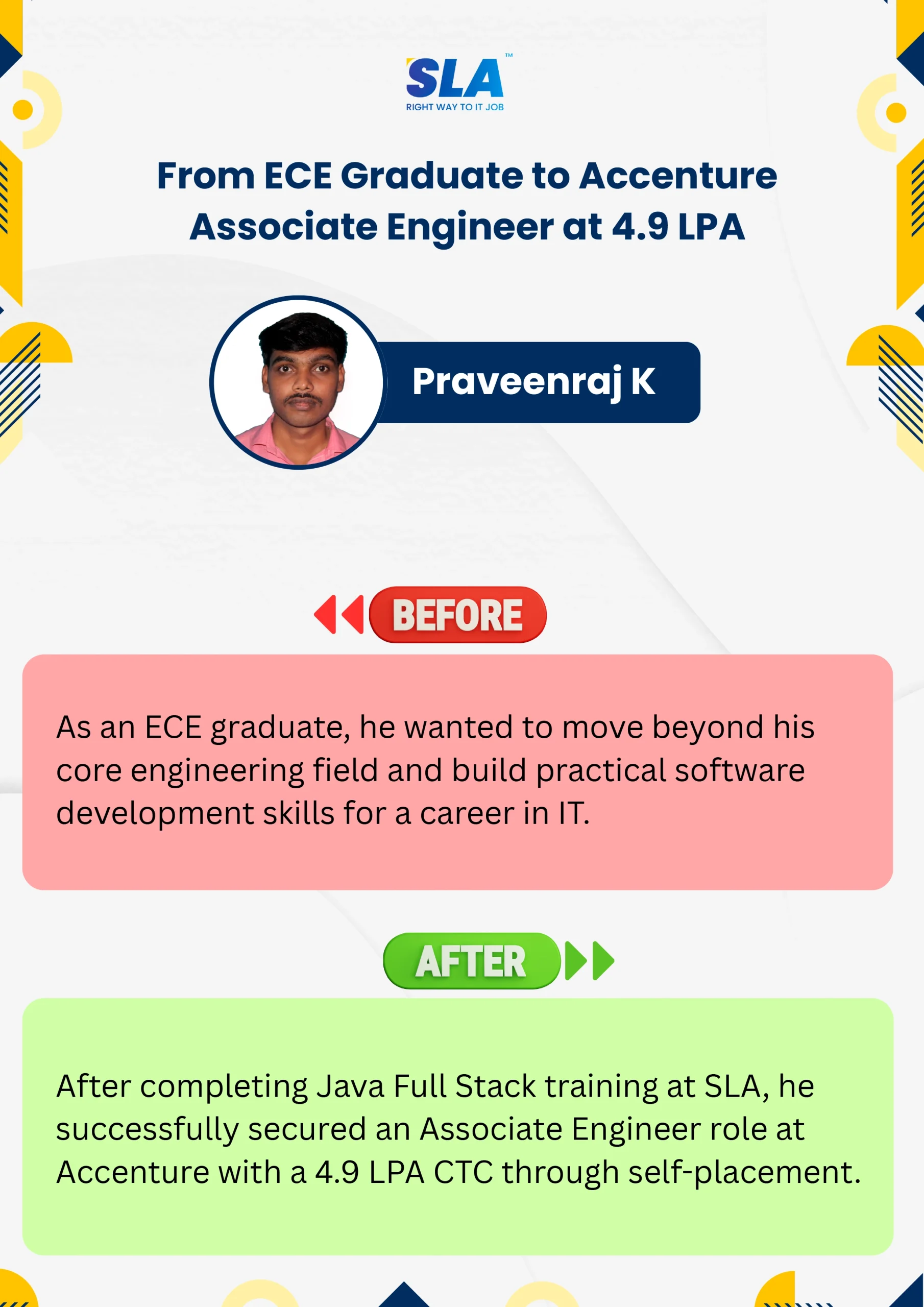
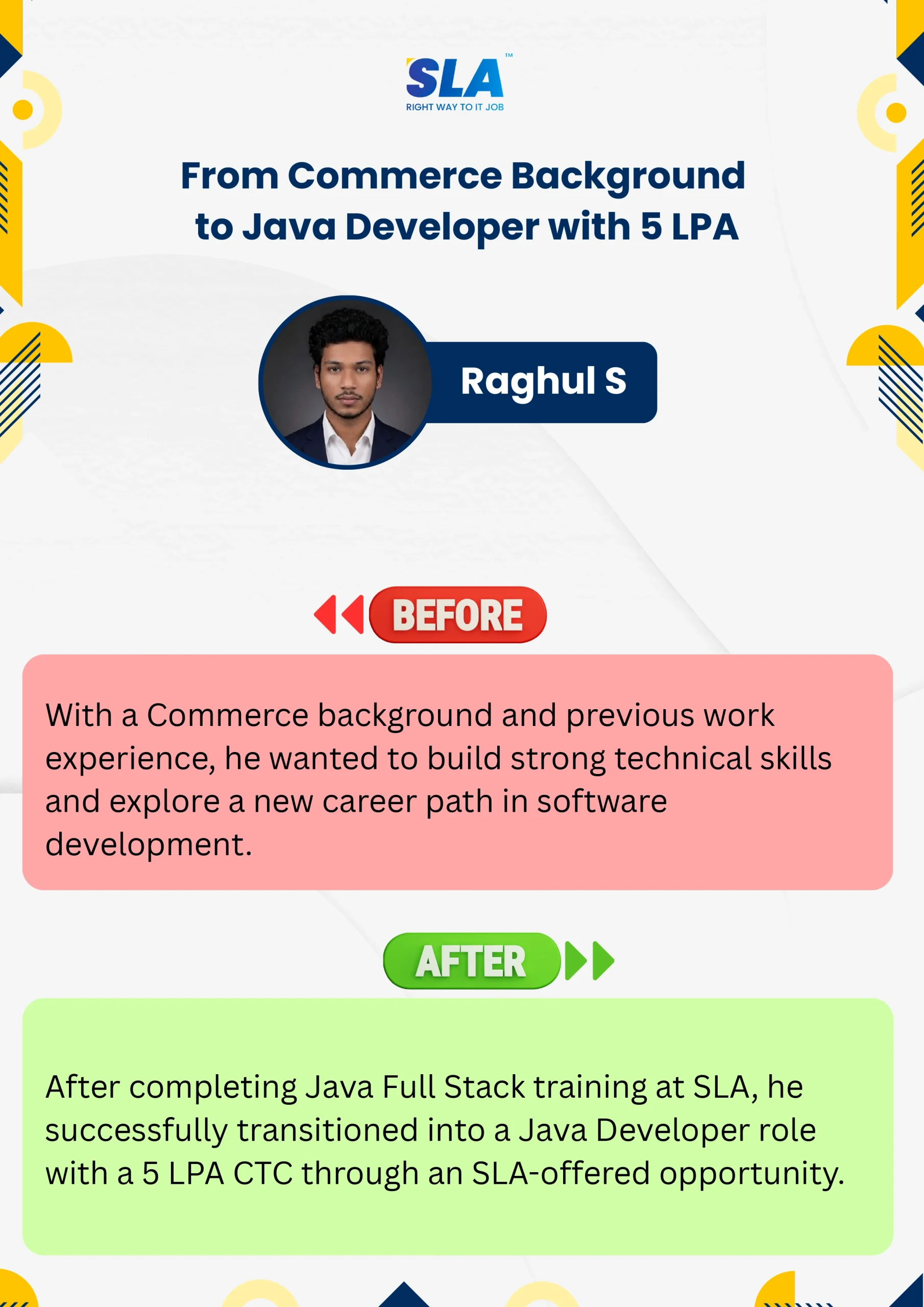
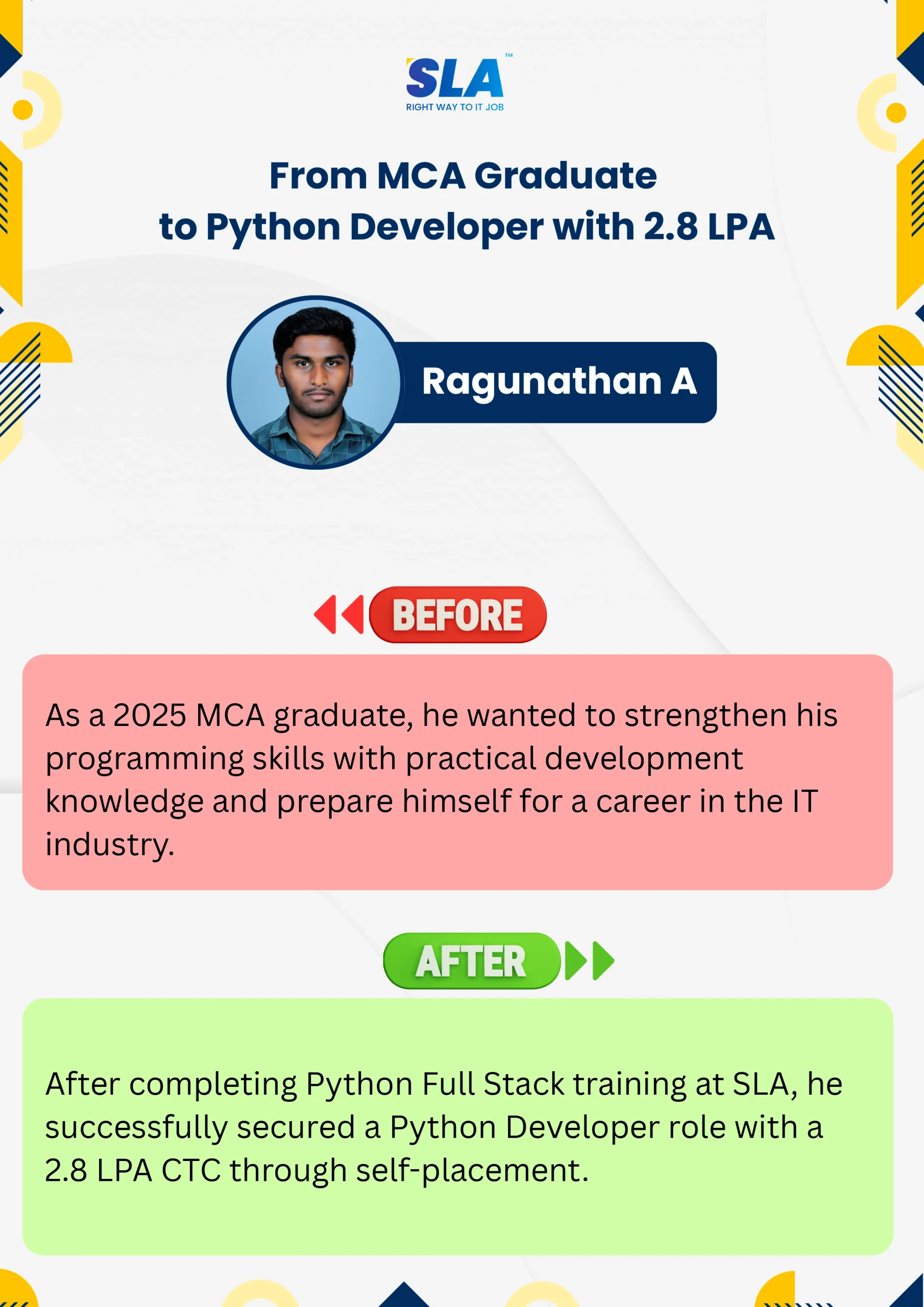
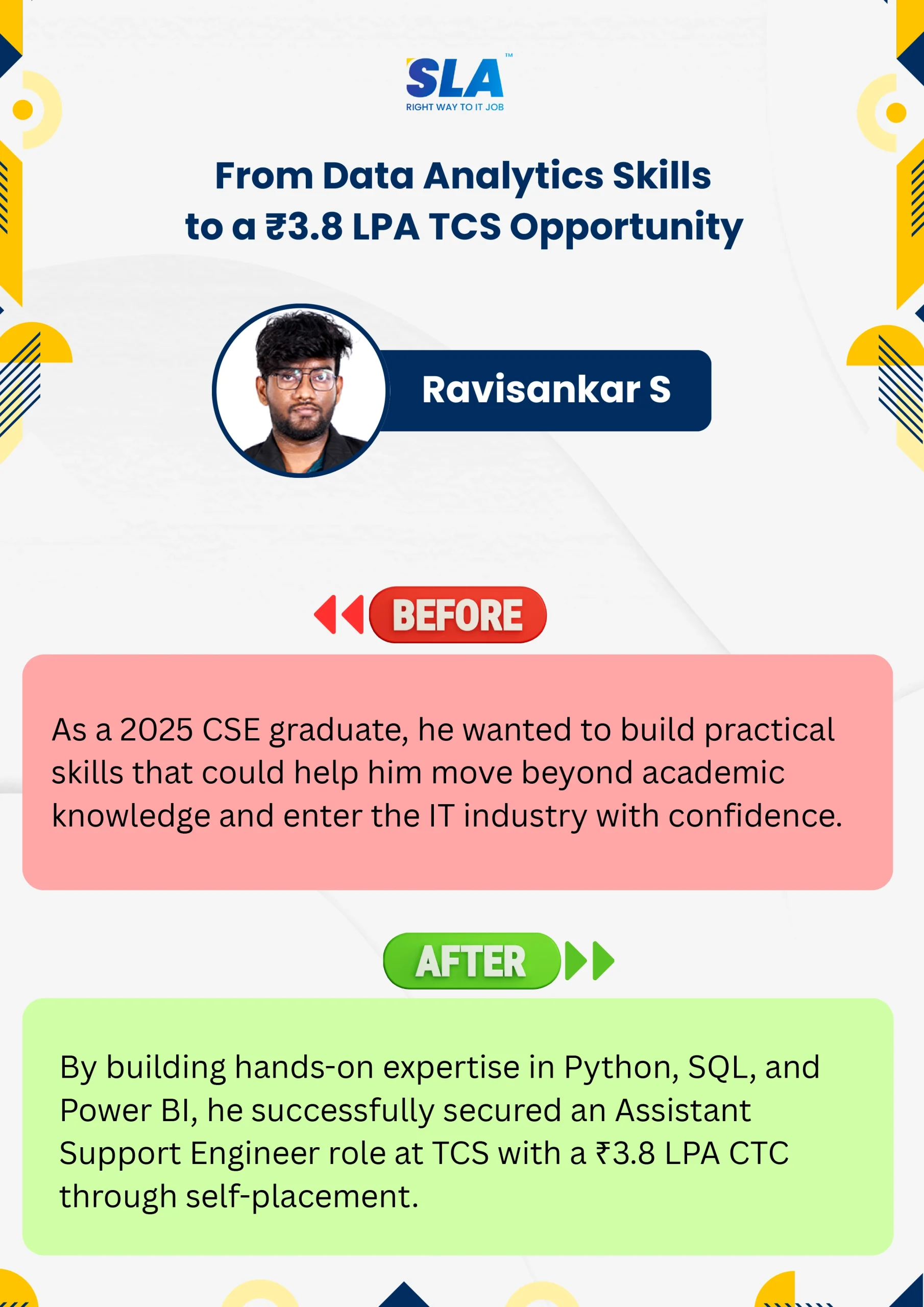
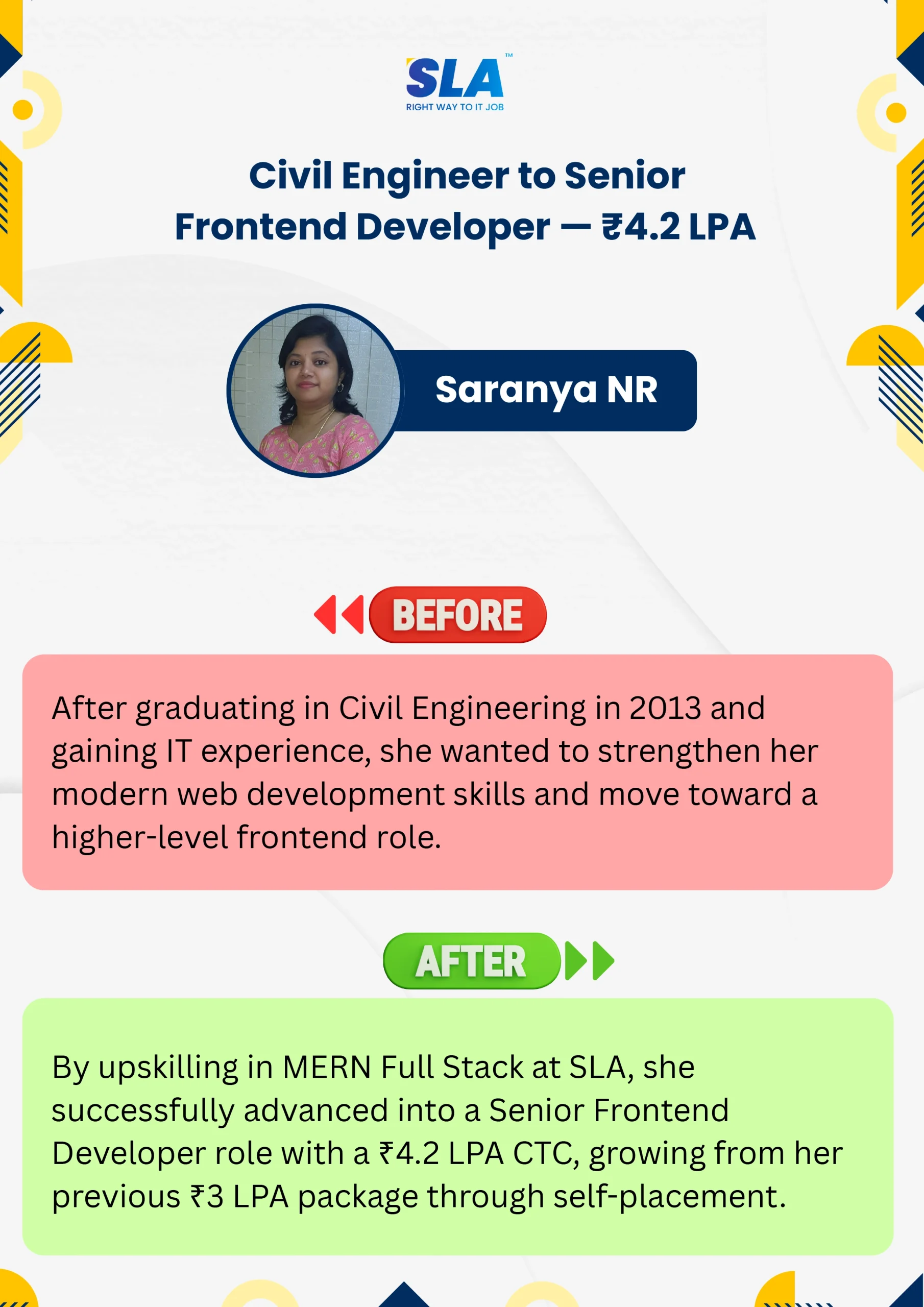
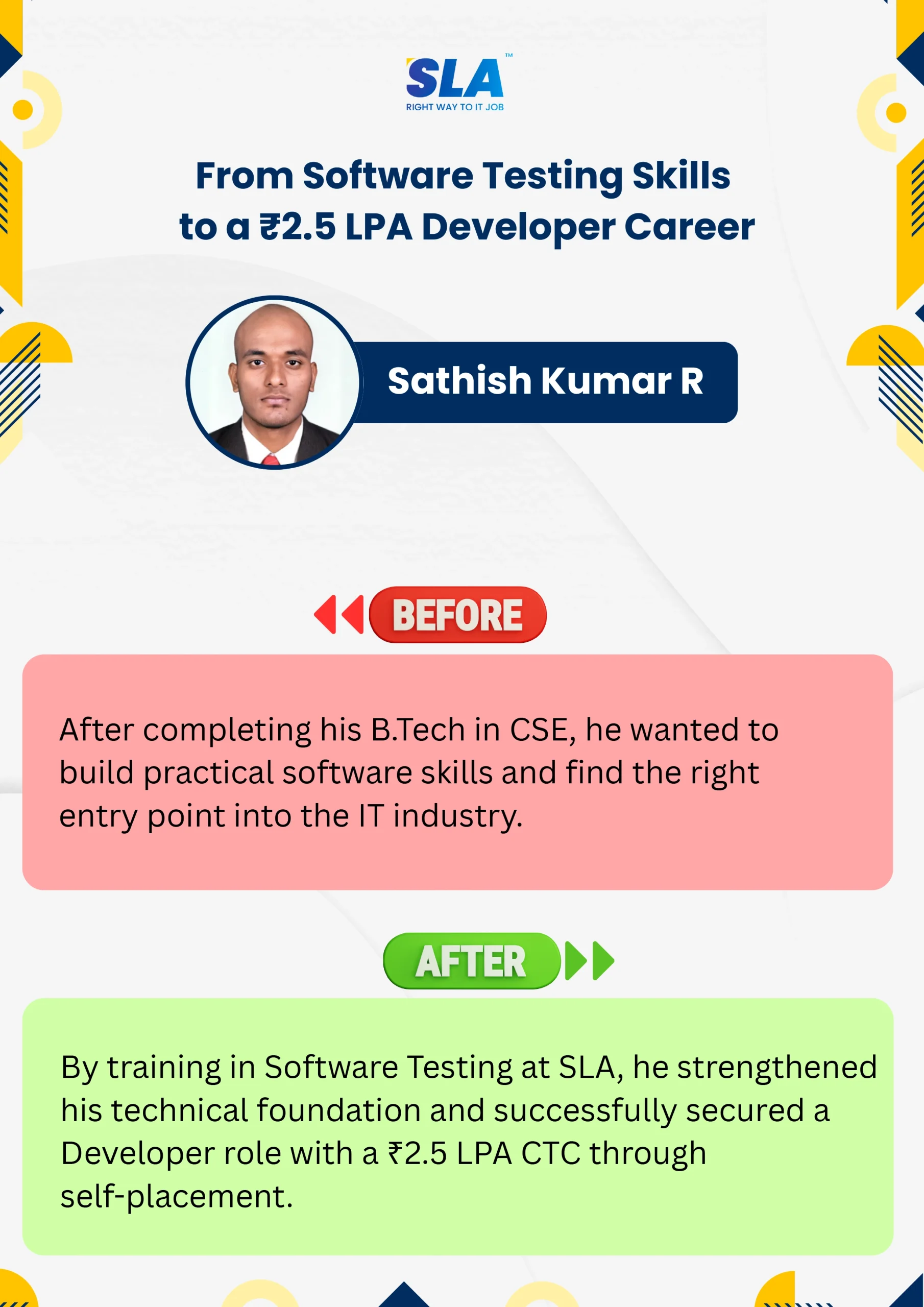
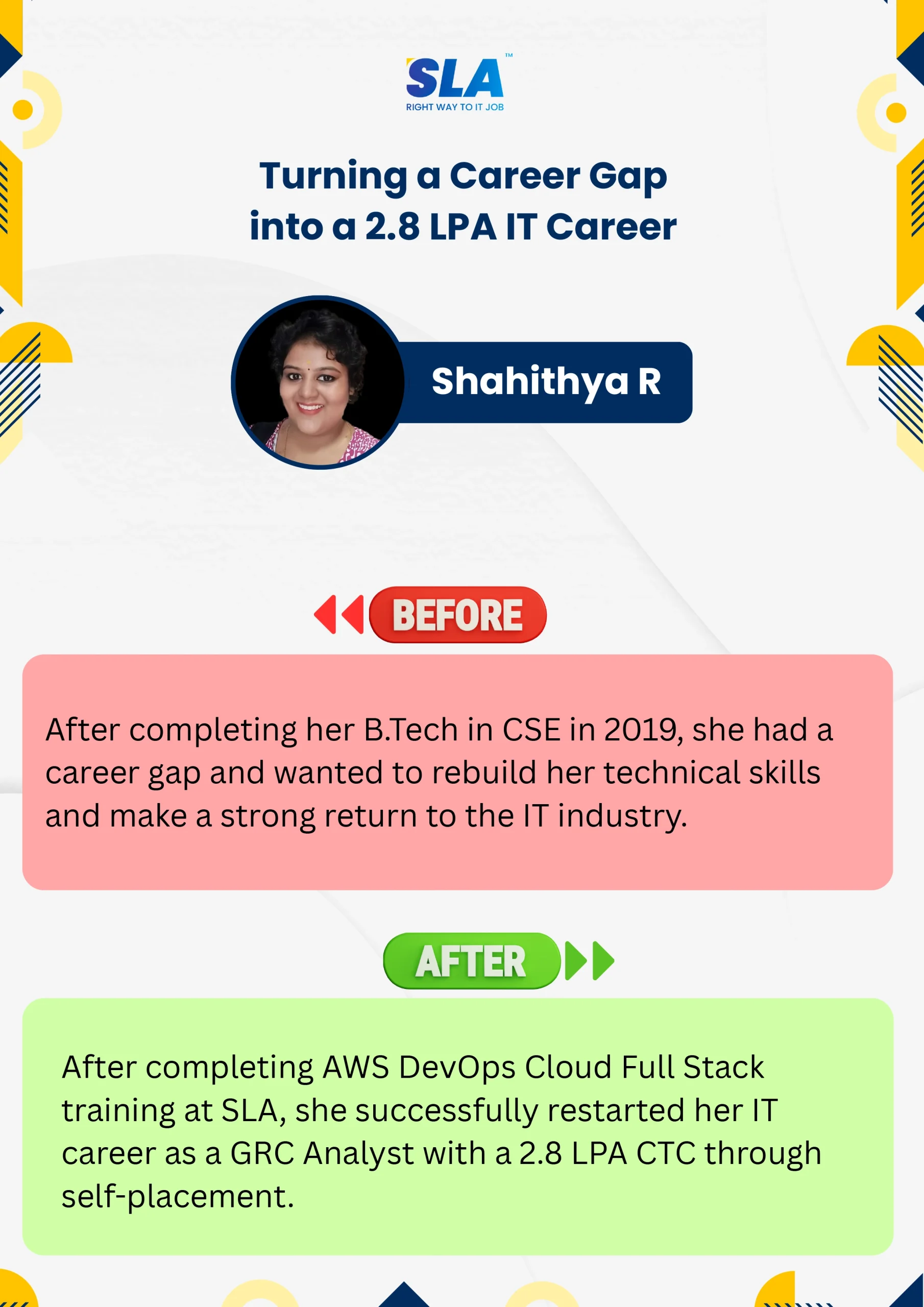
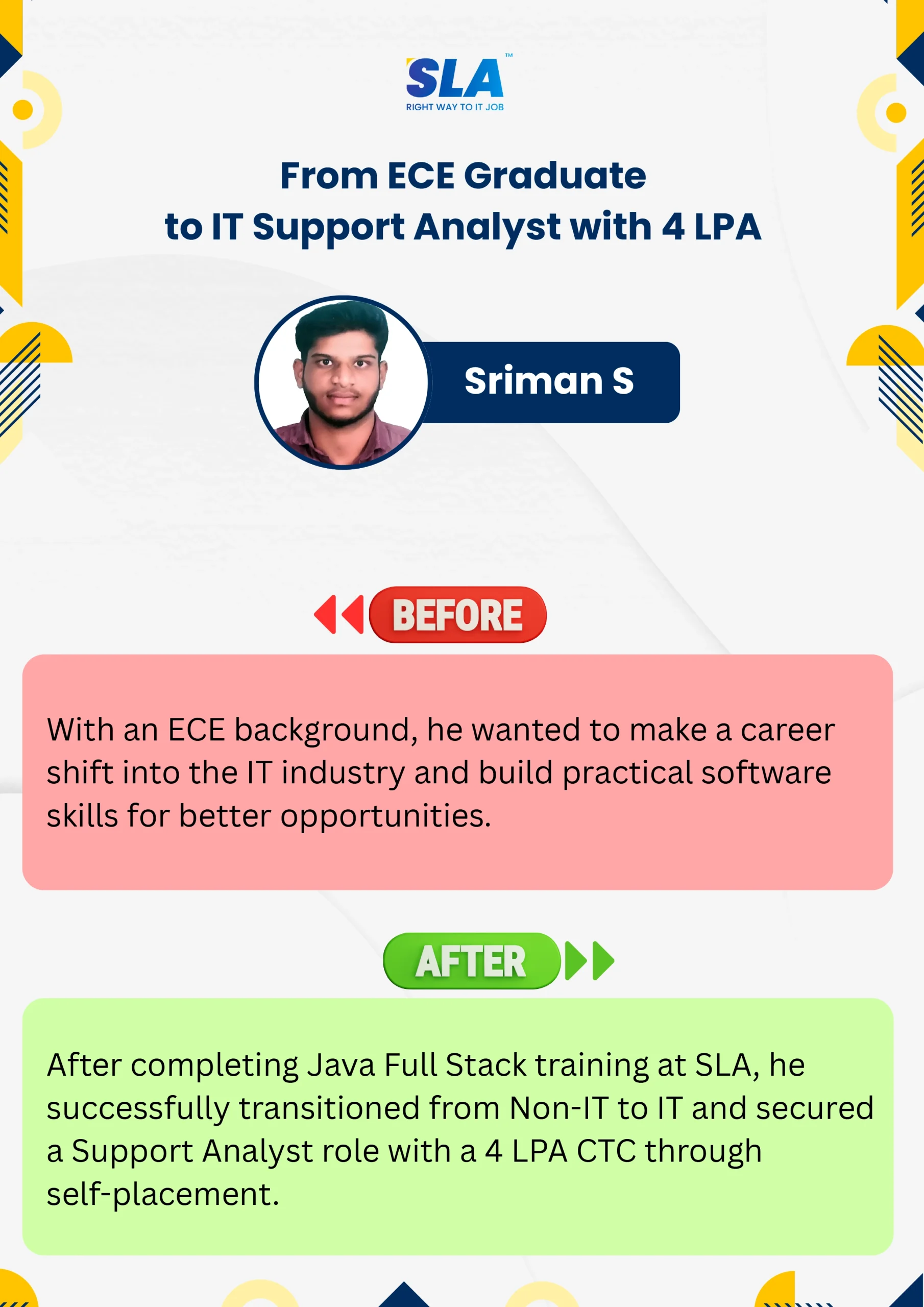
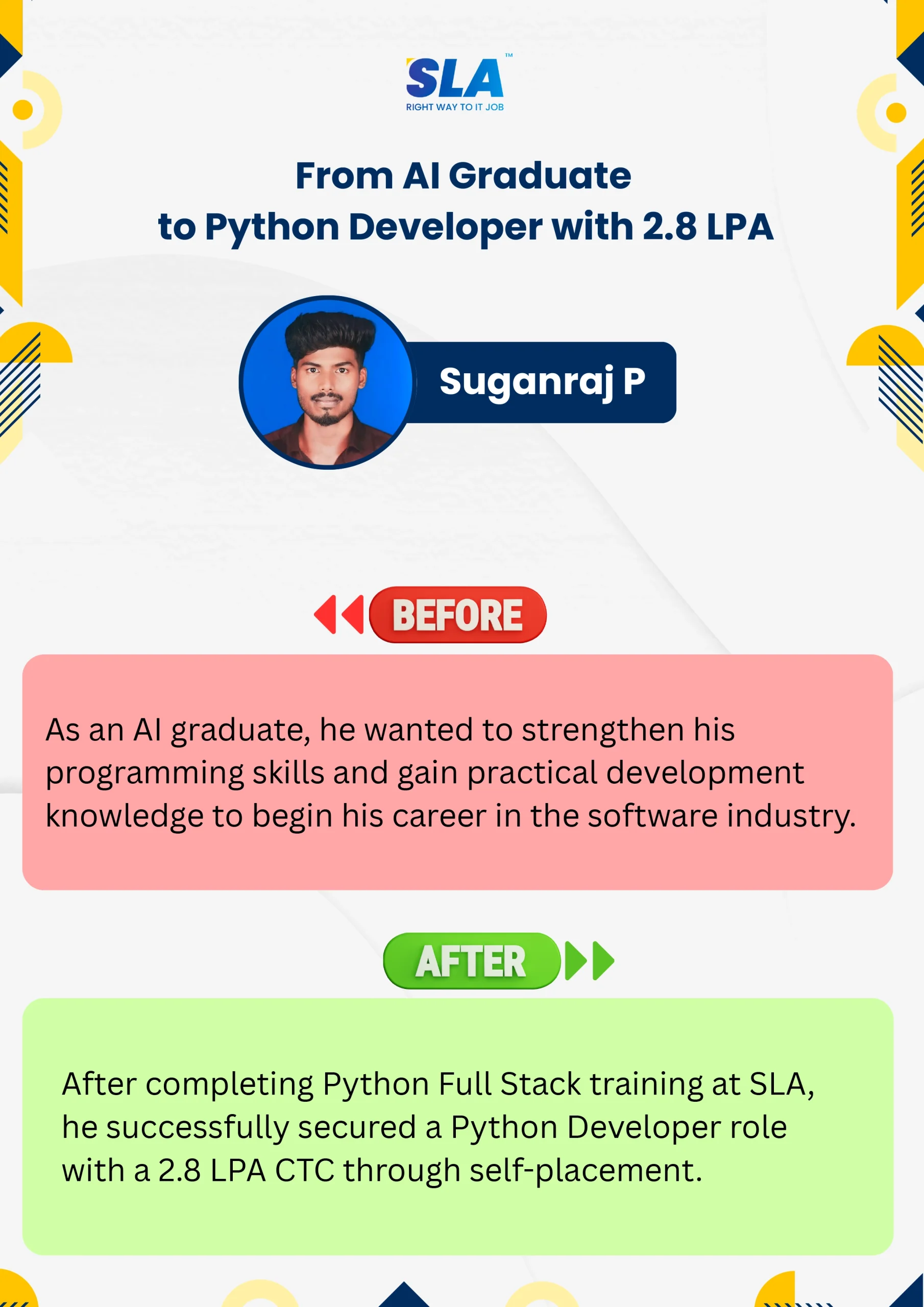
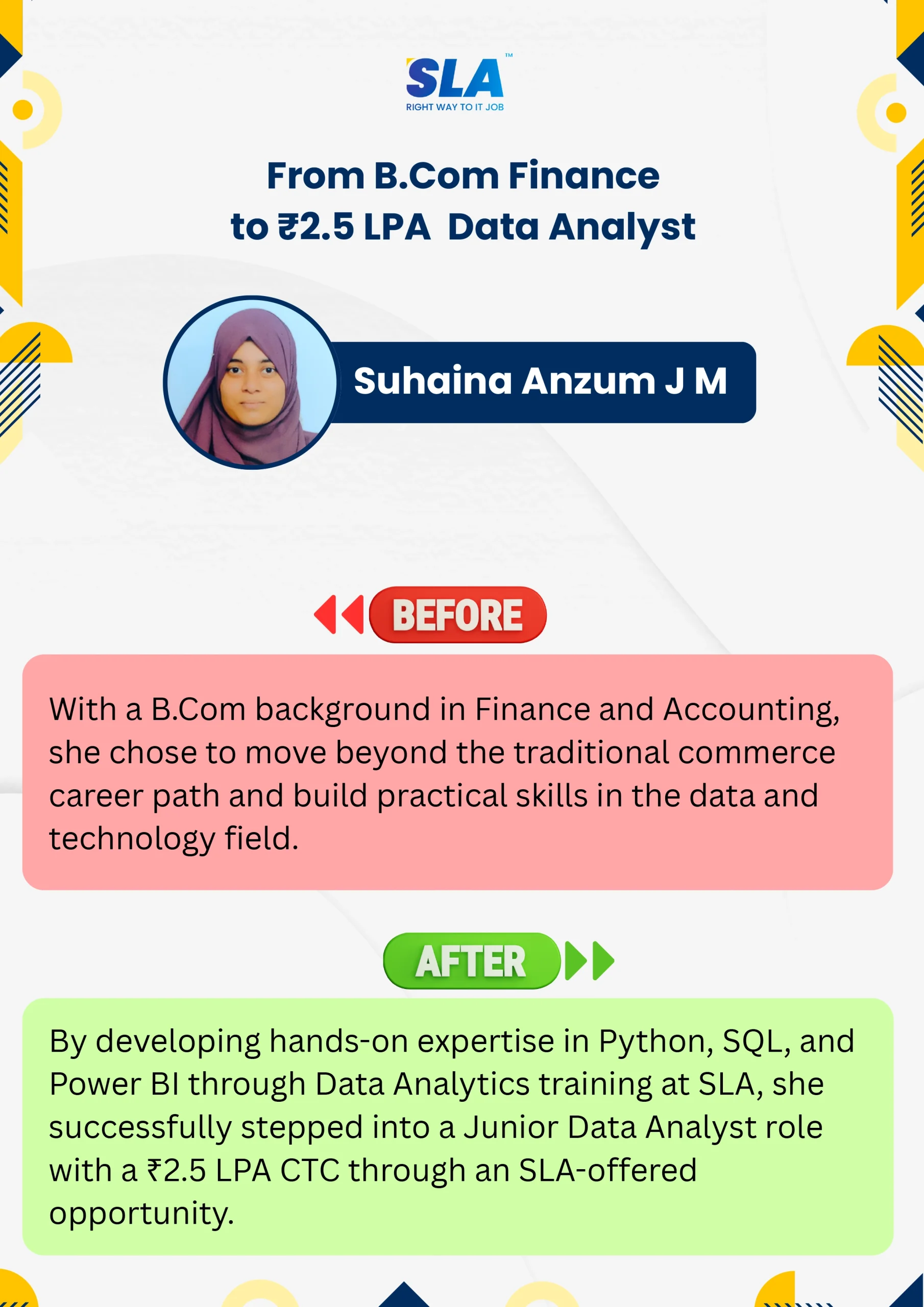
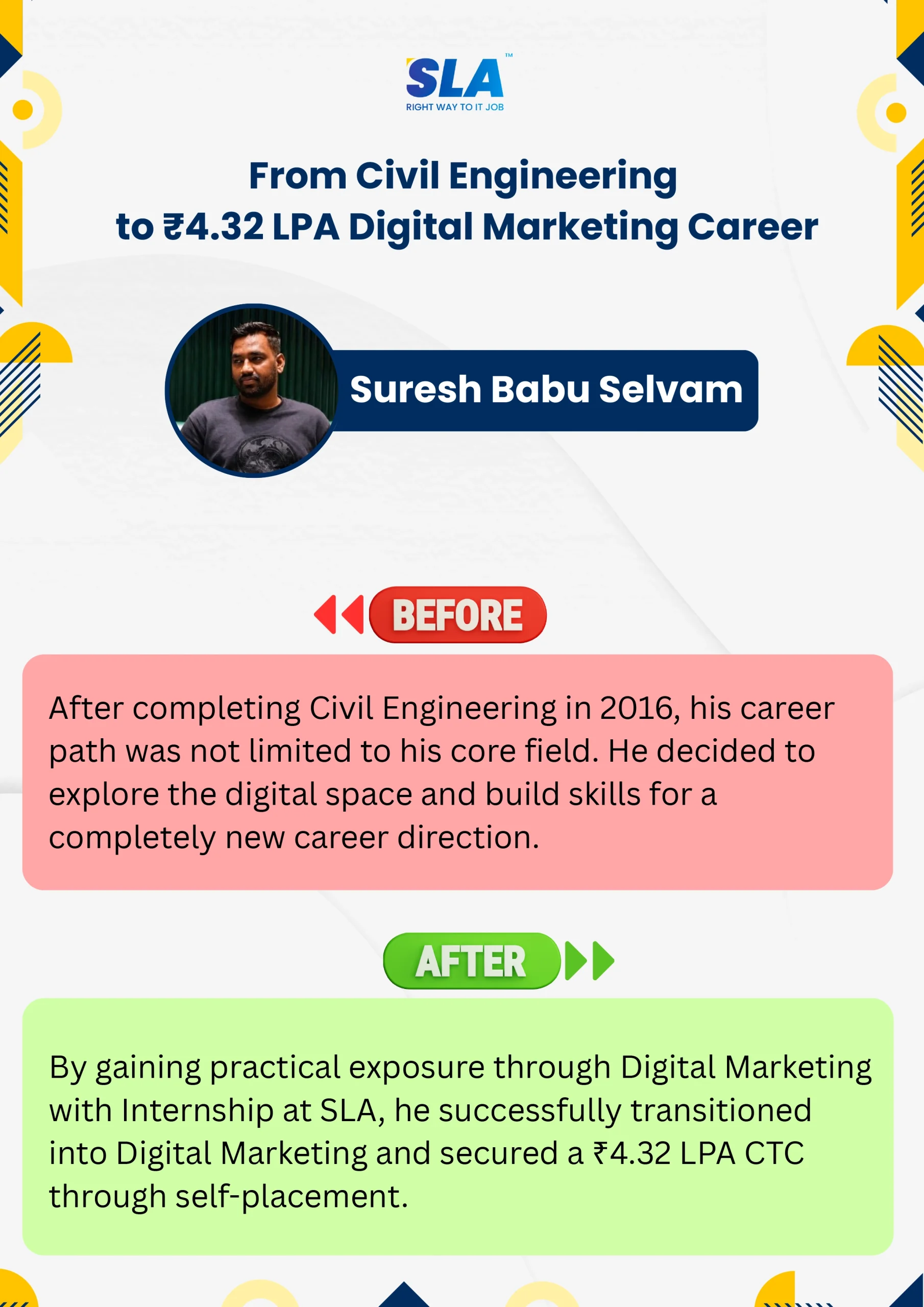
Life Changing Stories

See More Success Stories

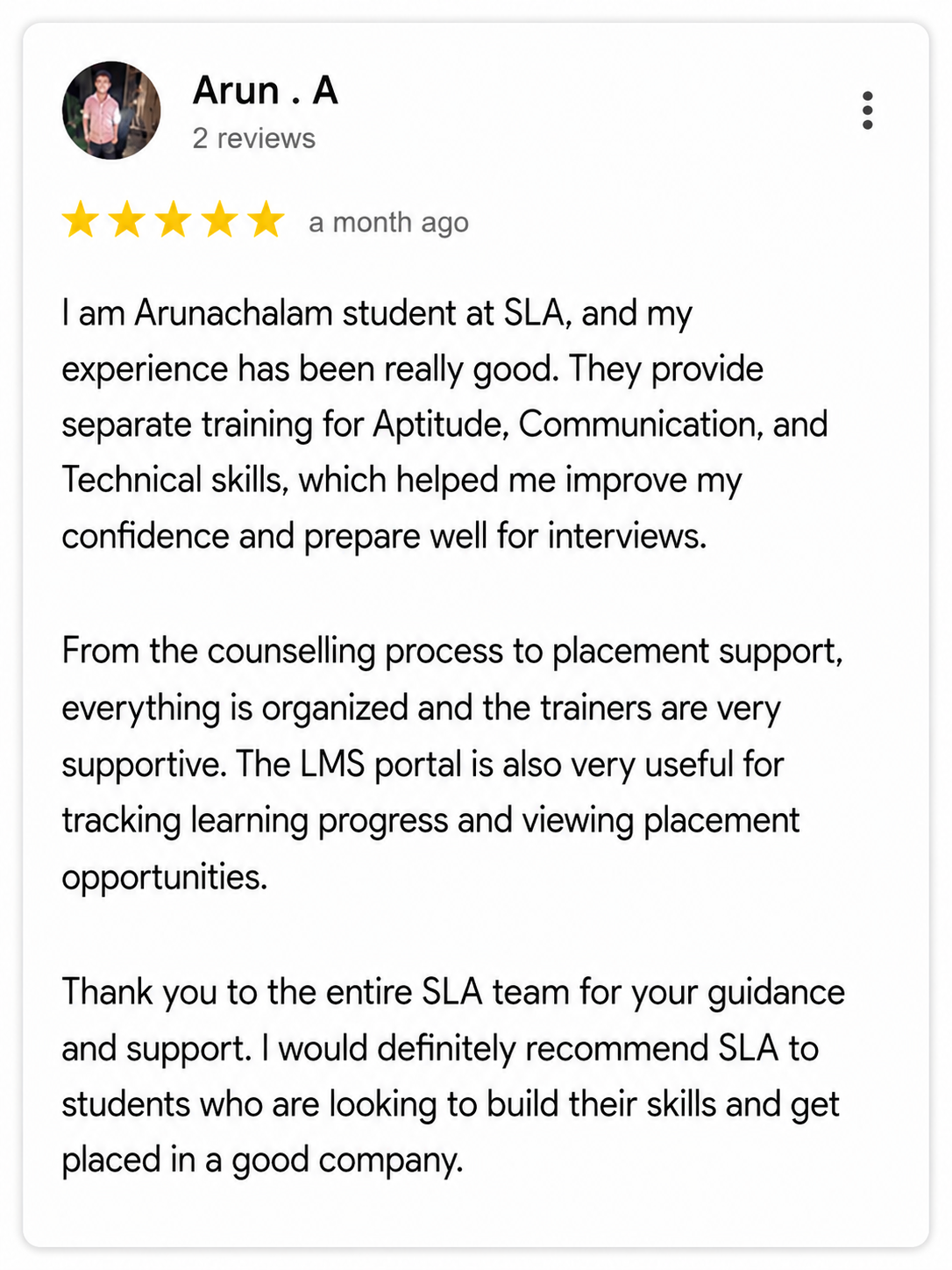
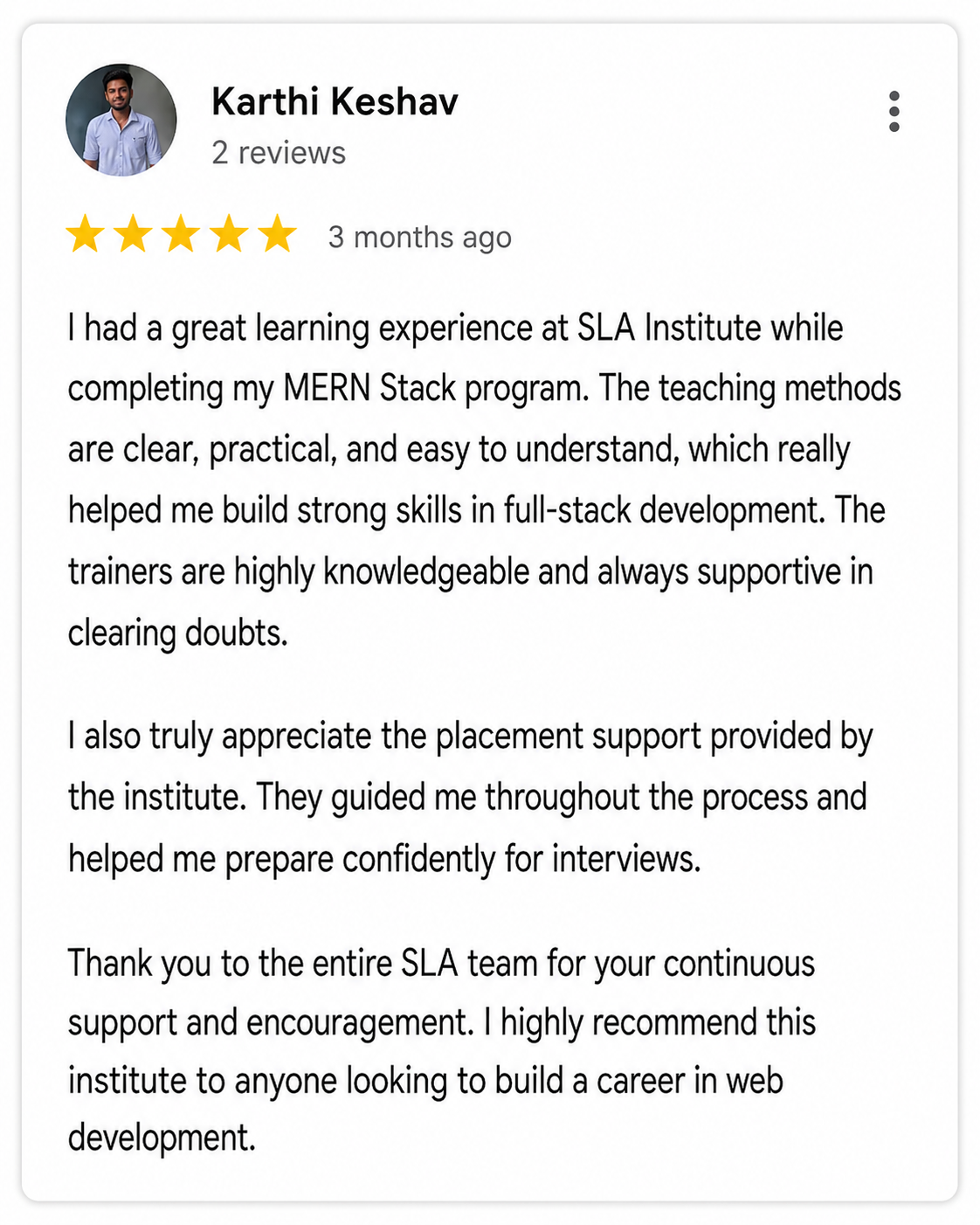
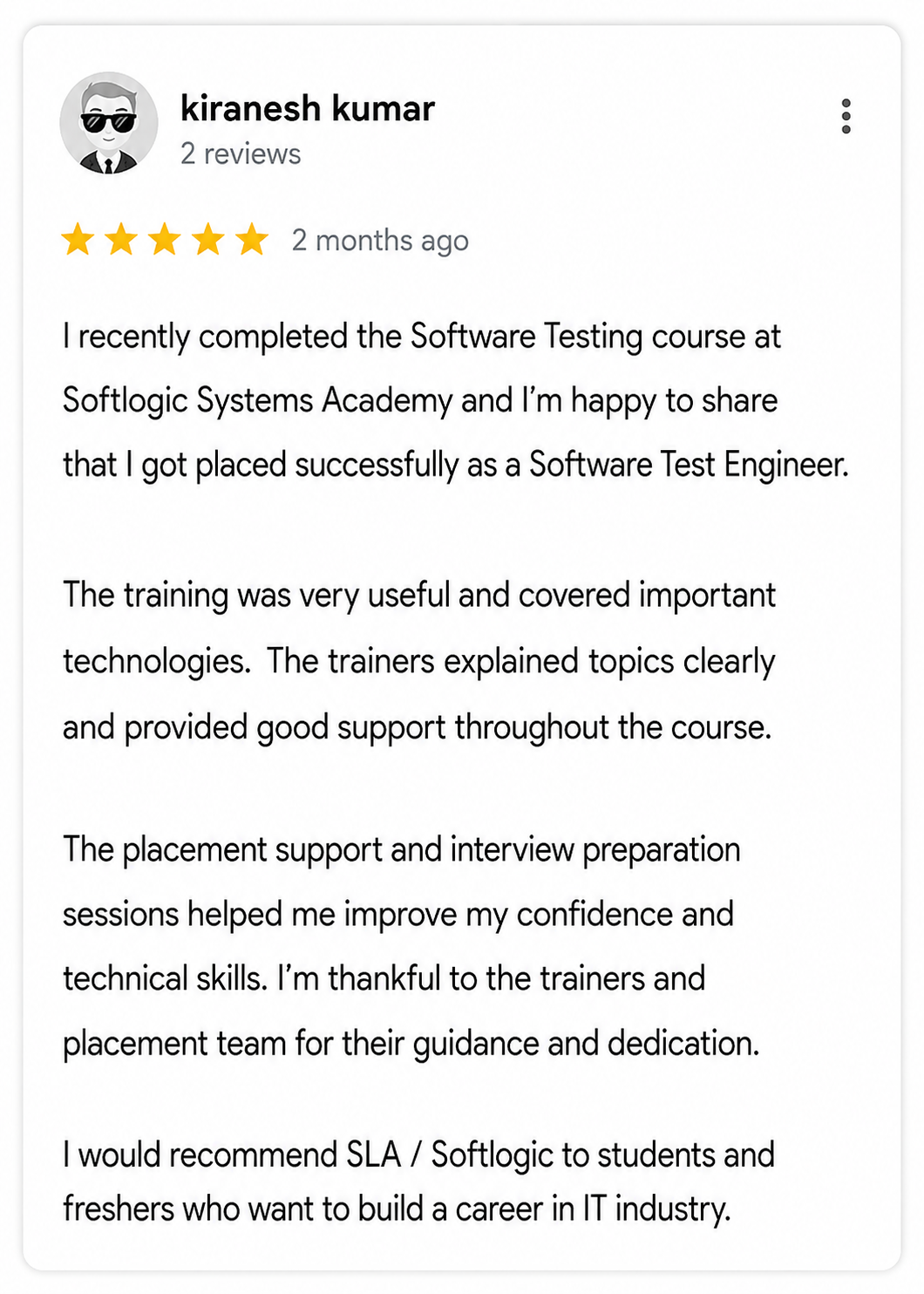
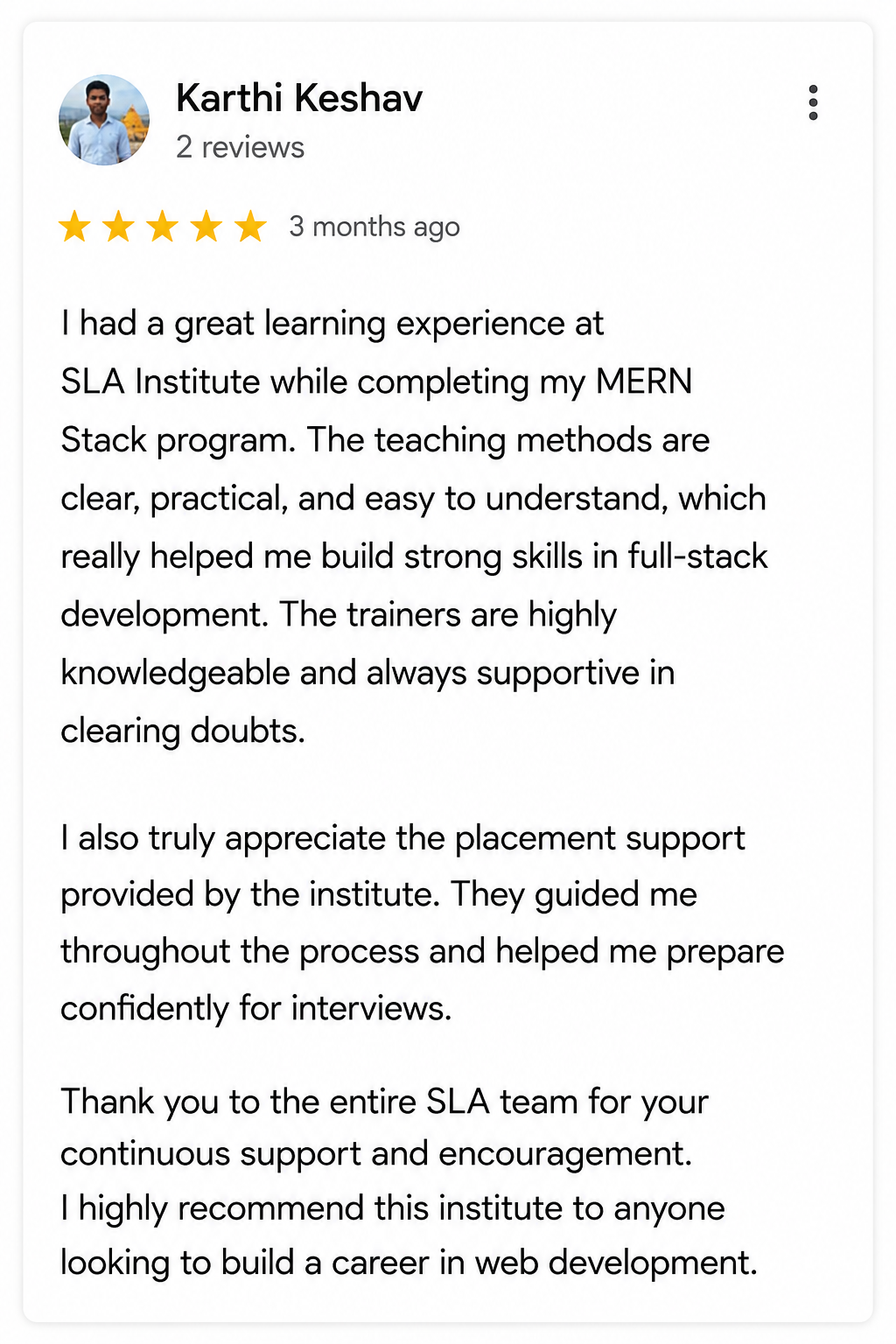
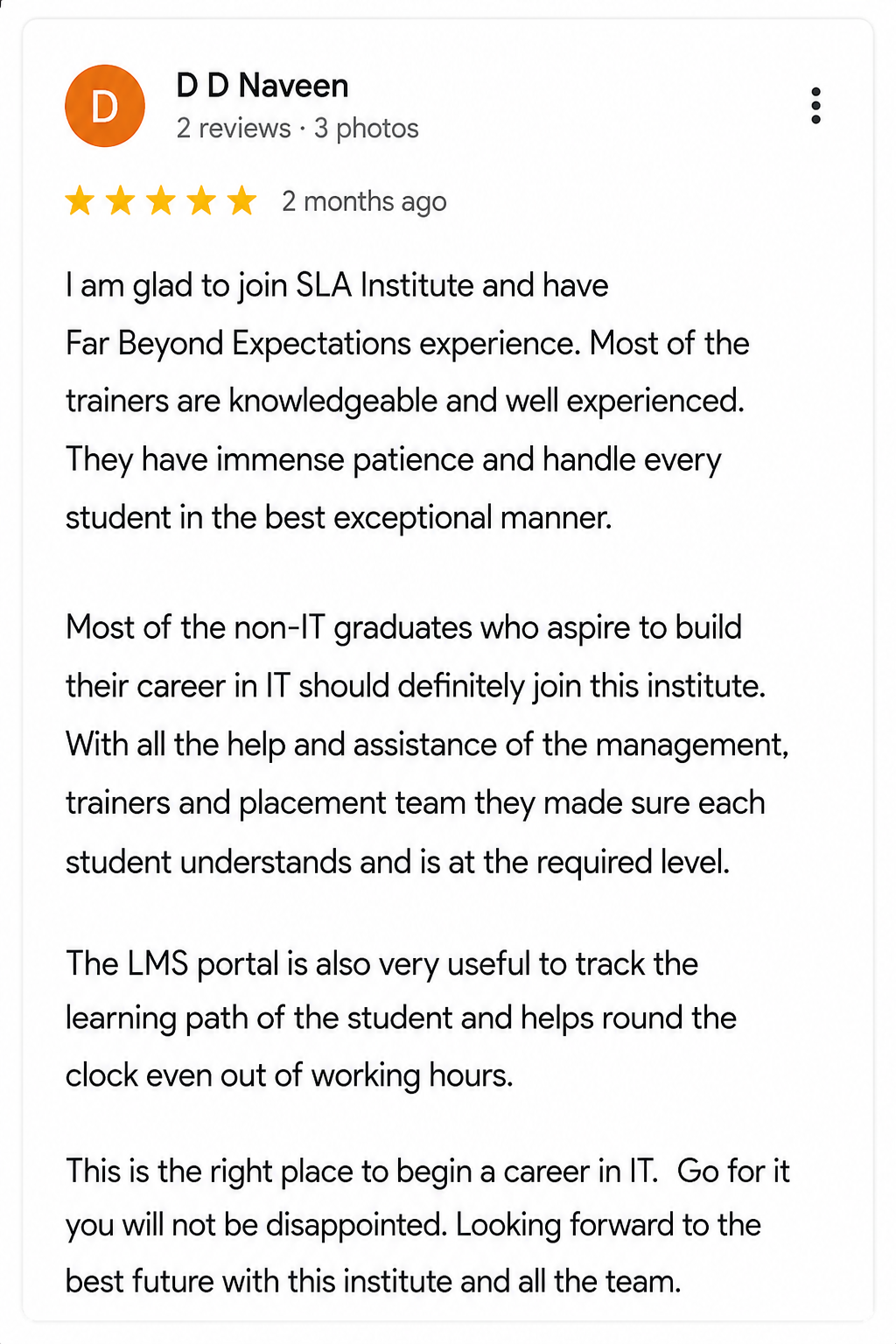
Check our Google Reviews

3D Review Carousel

WordPress Course Syllabus

Download Syllabus
  • Why CMS
  • Advantages and Disadvantages of CMS
  • com vs. WordPress.org
  • Setting up WordPress in Local Server
  • Setting up WordPress in Remote Server
  • Upgrading WordPress
  • Understanding FTP
  • WordPress Admin
  • Creating Users
  • User Rights & Roles
  • Free theme Vs Paid Theme
  • Theme Selection Process
  • Adding/installing Themes
  • Changing Themes
  • Preview & Activating Themes
  • Installing widgets in sidebar
  • Installing widgets in footer
  • Creating menus
  • Adding pages, posts, categories to menus
  • Creating Sub-menus
  • Deleting items from menu
  • Installing plugins
  • Activating Plugin & managing plugins
  • Upgrading plugins
  • Recommended Plugins
  • Posts Vs Pages
  • Adding Hyperlinks
  • Playing with Media content
  • Previewing and Editing Posts
  • Previewing and Editing Pages
  • Page Order
  • Creating a post
  • Adding Media files to content –images and videos
  • Using Categories and Tags
  • Creating Pages
  • Page Hierarchy
  • General settings
  • Reading
  • Media
  • Writing settings
  • Discussion
  • Permalinks
  • Enhancing WordPress Security
 

Quick Enquiry

Placement

Dedicated placement support

Learning

Job-Centered Approach

Timings

Convenient Hrs

Mode

Online & Classroom

Certification

Industry-Accredited

Upcoming Batches

Hands On Training
3-5 Real Time Projects
60-100 Practical Assignments
3+ Assessments / Mock Interviews
November 2026
Week days
(Mon-Fri)
Online/Offline

2 Hours Real Time Interactive Technical Training

1 Hour Aptitude

1 Hour Communication & Soft Skills

(Suitable for Fresh Jobseekers / Non IT to IT transition)

Course Fee
November 2026
Week ends
(Sat-Sun)
Online/Offline

4 Hours Real Time Interactive Technical Training

(Suitable for working IT Professionals)

Course Fee

Save up to 20% in your Course Fee on our Job Seeker Course Series

Learn More

We Tie-Up with 1000+ Leading IT and MNC Companies

SLA's Hiring and Placement Partner: Mindtree
SLA's Hiring and Placement Partner: Bosch
SLA's Hiring and Placement Partner: Capgemini
SLA's Hiring and Placement Partner: Fractal
SLA's Hiring and Placement Partner: Delhivery
SLA's Hiring and Placement Partner: Napier
SLA's Hiring and Placement Partner: Google
SLA's Hiring and Placement Partner: SAP
SLA's Hiring and Placement Partner: Merkle
SLA's Hiring and Placement Partner: Observeai
SLA's Hiring and Placement Partner: Tanla
SLA's Hiring and Placement Partner: Deloitte
SLA's Hiring and Placement Partner: Acs Solutions
SLA's Hiring and Placement Partner: Amazon
SLA's Hiring and Placement Partner: Tredence
SLA's Hiring and Placement Partner: Rakuten
SLA's Hiring and Placement Partner: Oracle
SLA's Hiring and Placement Partner: GlobalLogic
SLA's Hiring and Placement Partner: Goldman Sachs
SLA's Hiring and Placement Partner: Publicis Sapient
SLA's Hiring and Placement Partner: Spanidea
SLA's Hiring and Placement Partner: Samsung
SLA's Hiring and Placement Partner: Infosys
SLA's Hiring and Placement Partner: SociéTé GéNéRale
SLA's Hiring and Placement Partner: Tech Mahindra
SLA's Hiring and Placement Partner: Bank Of America
SLA's Hiring and Placement Partner: Cognizant
SLA's Hiring and Placement Partner: Wipro
SLA's Hiring and Placement Partner: Apollo Hospitals
SLA's Hiring and Placement Partner: Mentor Graphics
SLA's Hiring and Placement Partner: Optum
SLA's Hiring and Placement Partner: Siply
SLA's Hiring and Placement Partner: NTT-Data
SLA's Hiring and Placement Partner: Jio
SLA's Hiring and Placement Partner: Perficient
SLA's Hiring and Placement Partner: Pwc
SLA's Hiring and Placement Partner: Latent View
SLA's Hiring and Placement Partner: Birlasoft
SLA's Hiring and Placement Partner: Fareportal
SLA's Hiring and Placement Partner: Highradius
SLA's Hiring and Placement Partner: Intellect
SLA's Hiring and Placement Partner: Nvidia
SLA's Hiring and Placement Partner: Eurofins
SLA's Hiring and Placement Partner: Cyient
SLA's Hiring and Placement Partner: Needl.ai
SLA's Hiring and Placement Partner: CGI
SLA's Hiring and Placement Partner: Valuemomentum
SLA's Hiring and Placement Partner: Prodapt
SLA's Hiring and Placement Partner: TCS
SLA's Hiring and Placement Partner: GEP
SLA's Hiring and Placement Partner: Accenture

Certifications

Take your career to new heights with Softlogic's software training certifications.
Improve your abilities to get access to rewarding possibilities
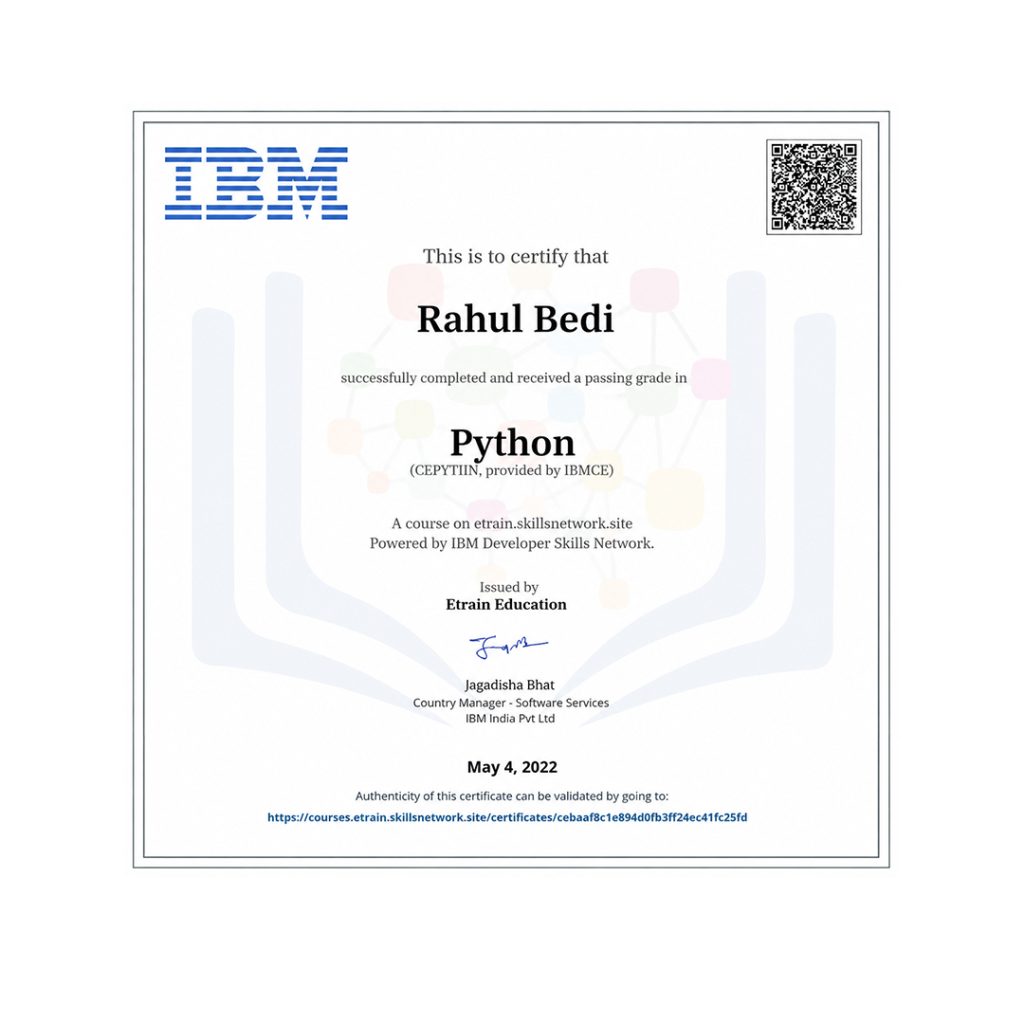
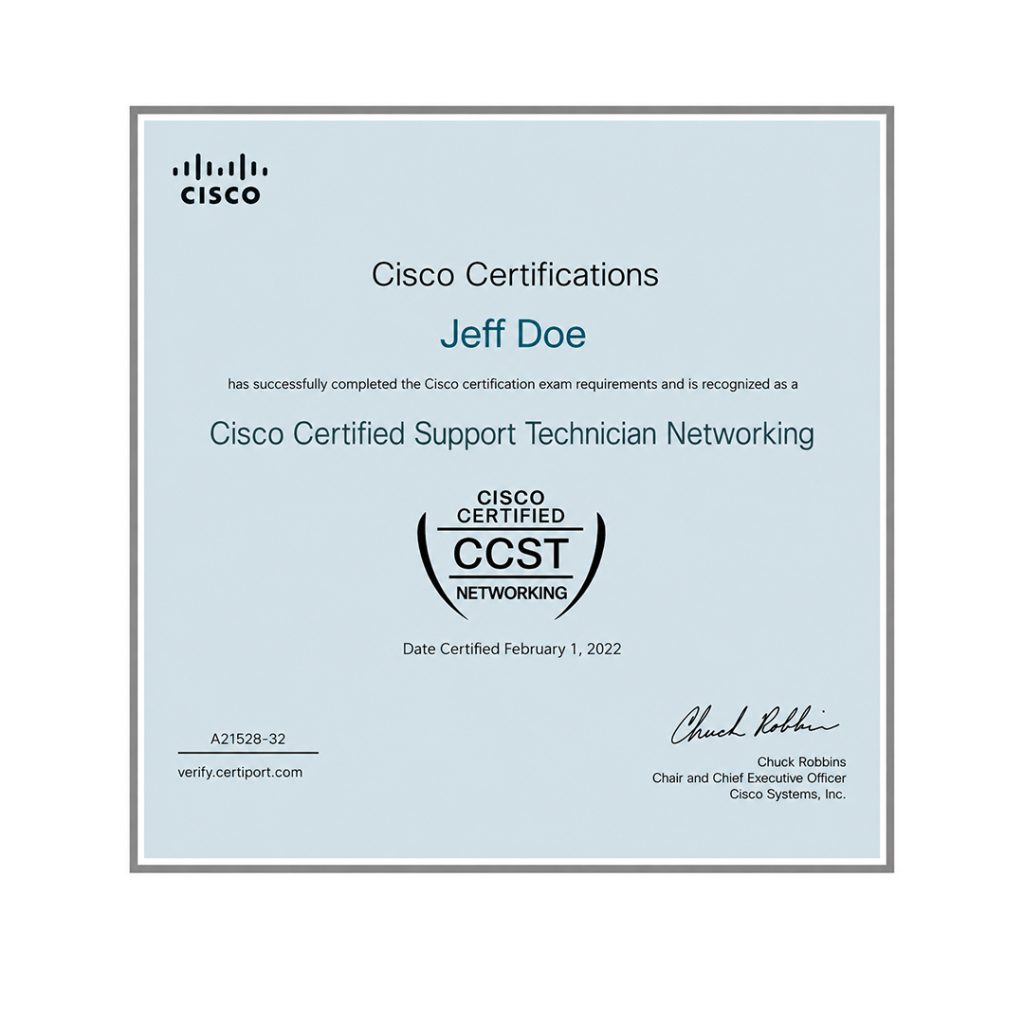
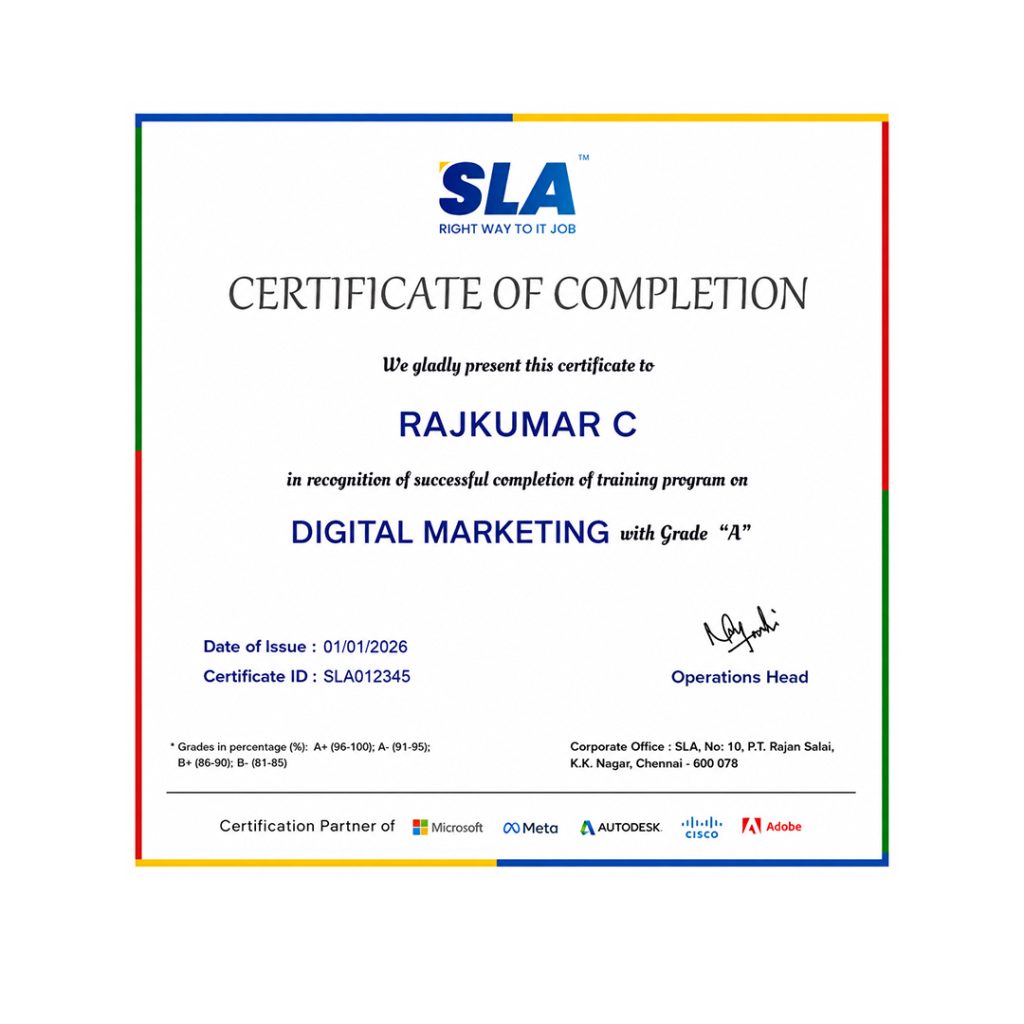
Earn Your Certificate of Completion
Validate your achievements with Softlogic's Certificate of Completion, verifying successful fulfillment of all essential components.
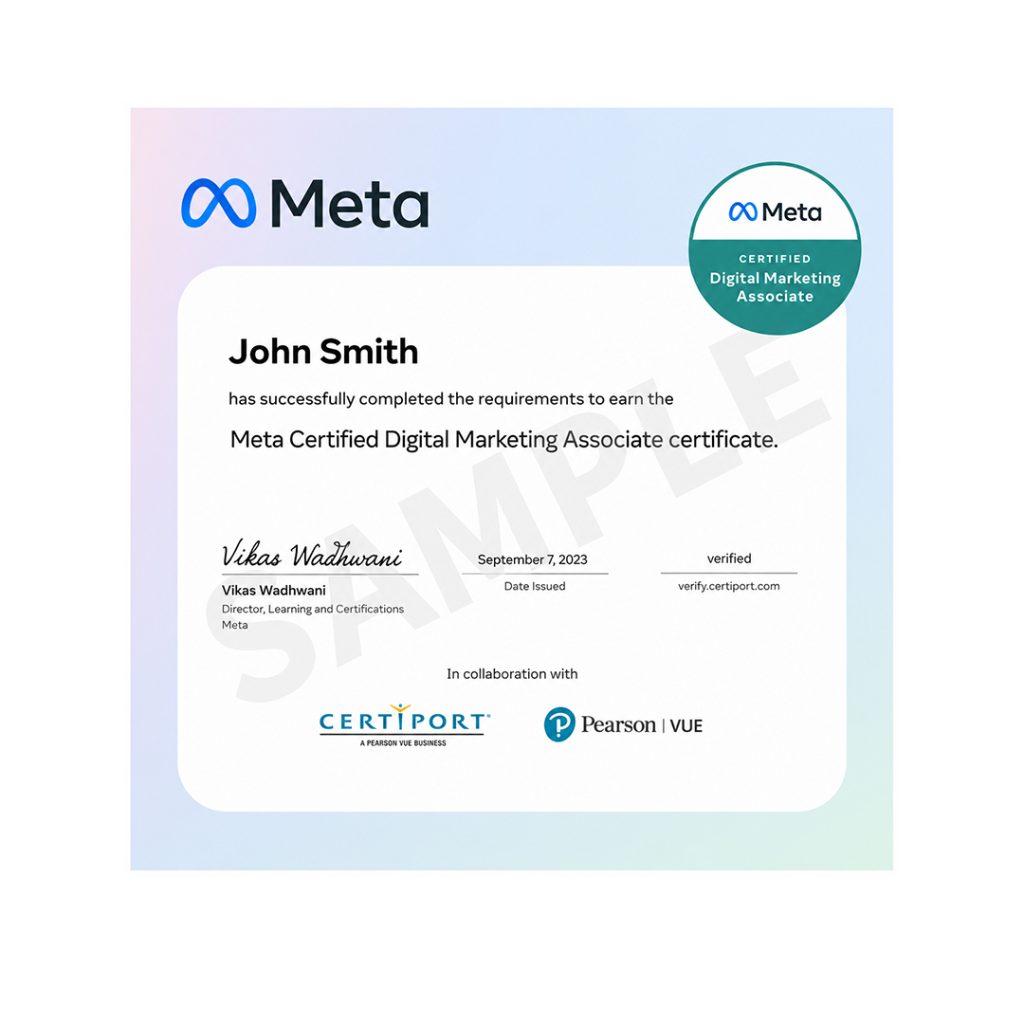
Take Your Career to the Next Level with  Certifications
Get a certifications through our training programs to gain a competitive edge in the industry.
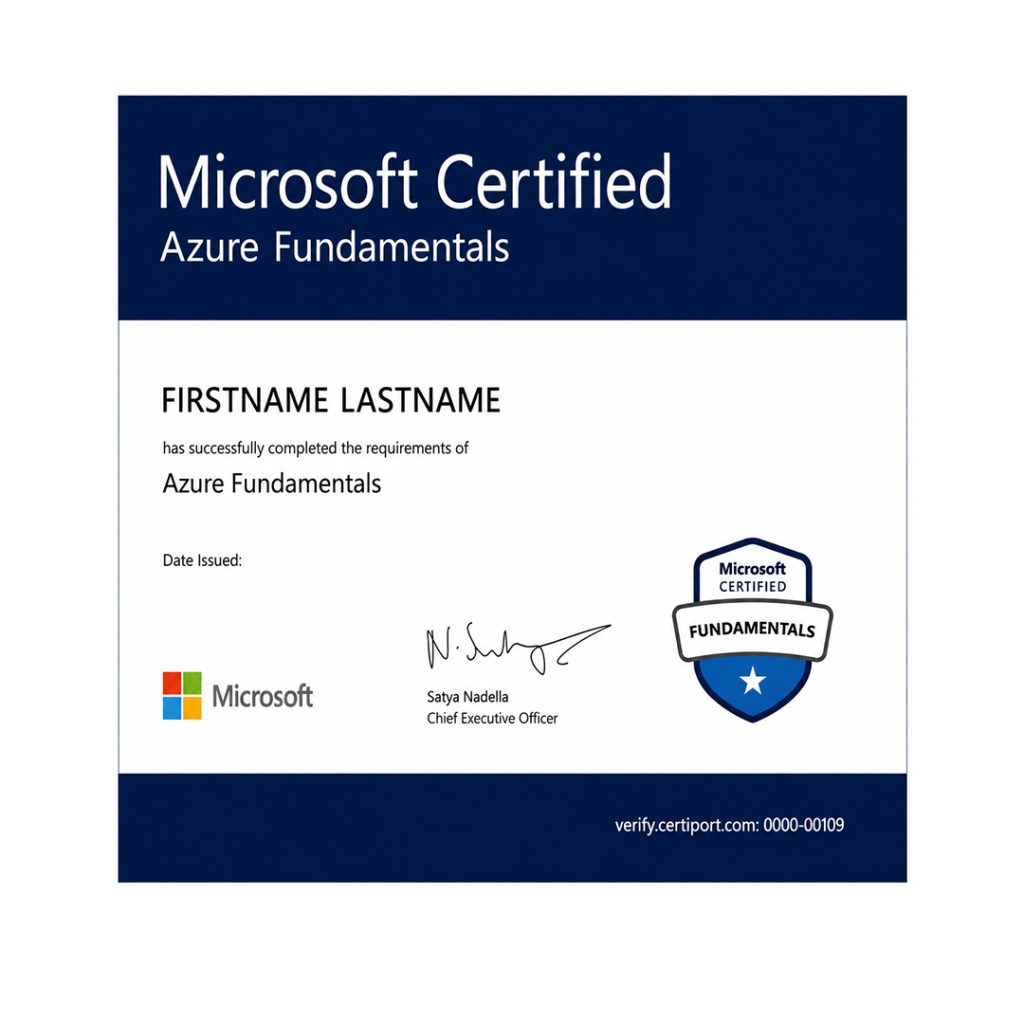
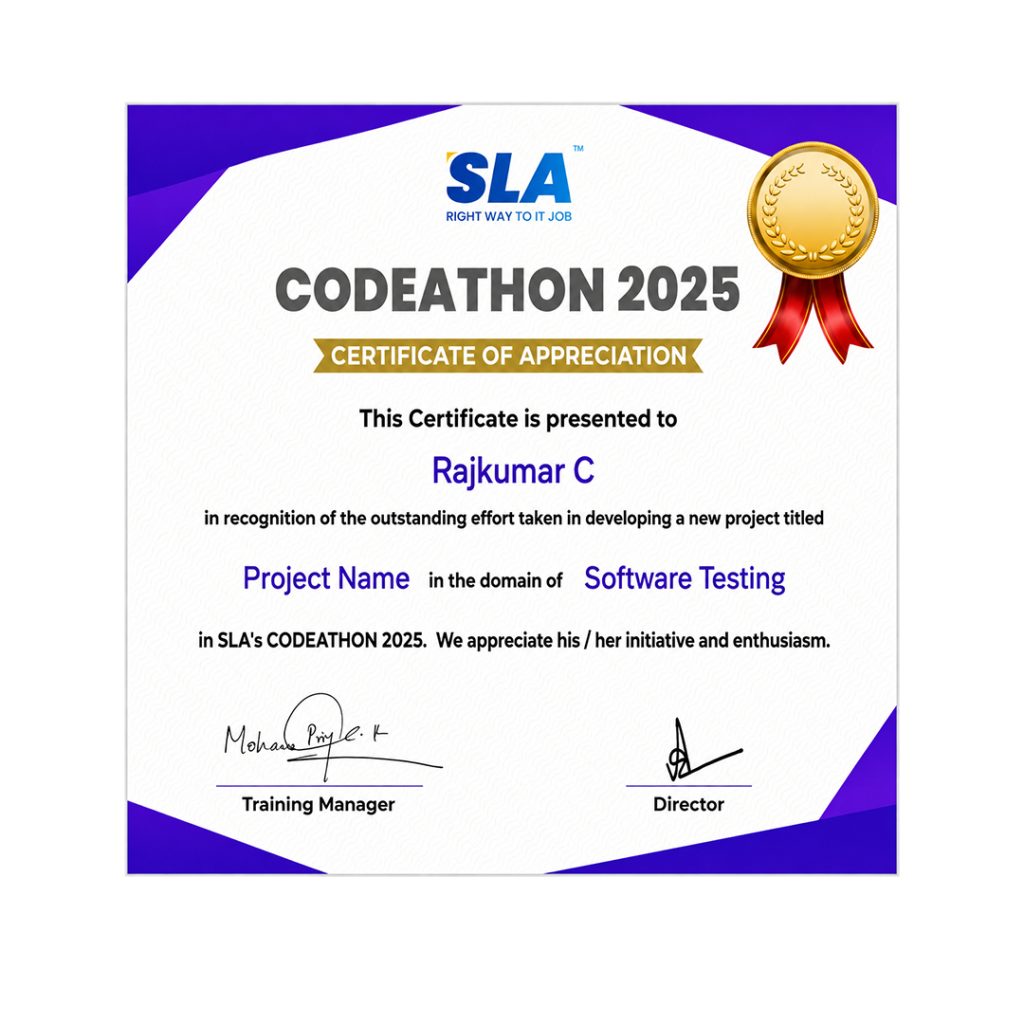
Stand Out from the Crowd with Codethon Certificate
Verify the authenticity of your real-time projects with Softlogic's Codethon certificate.

Best wordpress Training in Chennai

Our WordPress Course in Chennai offers a simplified way to create a website or blog as per the client’s requirements and helps them with hosting on the internet. It is the open-source web design portfolio that provides features to create anything you want at an affordable price and awesome plans.

You can learn how to utilize resources, products, and features at WordPress through our all-inclusive WordPress Training Institute in Chennai with hands-on exposure and certification.

Future Scope of WordPress Training in Chennai

Our WordPress Course in Chennai has a goal to equip the students with in-depth knowledge about WordPress configuration, Plugin updates for enhancing the website, set up the configuration of WordPress as per the client preferences, utilization of the industry-standard web development tools, proficiency to site security and SEO (Search Engine Optimization), and practical implementation of advanced technologies and plugins.

We offer complete hands-on practices on the entire WordPress concepts, image editor, themes, widgets, menus, CSS fundamentals, security, caching, anti-spam techniques, jetpack, and e-commerce website development. The students will be thorough with the publishing of websites and blogs using CMS (Content Management System) through our WordPress Training in Chennai.

They will also understand the website requirements of various platforms like iOS, Windows, macOS, Linux, Android, and Blackberry to ensure the website accessibility of different users. You can enhance your communication skills, job searching skills, career enhancement skills, resume writing skills, and collaboration skills during WordPress Course in Chennai by the dedicated placement trainers as an added advantage. Learn the in-demand web development platform at SLA to become the industry-expected web developer.

WordPress Training in Chennai at SLA brings tremendous opportunities for freshers and professionals in the area of website designing, architecture building, website testing, theme formation, and user-friendly layout making, and so on. You can be a front-end developer, back-end developer, and full-stack developer in the web development field of big companies. Our WordPress Course makes the way for learners to work as freelancers for global companies.

Achieve Your Goals With SLA

SLA builds your future with comprehensive coursework and unparalleled placement support.
Register For Free Demo

Project Practices on WordPress Training

Project 1Business Website

Get hands-on in building a professional-looking business website to power the businesses with high volume and traffic.

Project 2Podcast Website

Create a podcast website with specialized themes and plugins for making the whole development process easier for hosting.

Project 3Membership Website

Create a website that allows the users to put some of their content behind pay-per-view facilities on the online community.

Project 4Micro Job Website

Develop a micro job website where employers and candidates can connect by charges for each listing and application

Prerequisites for learning WordPress Training in Chennai

No specific requirements are needed for freshers and college students to learn WordPress Certification Training in Chennai as we take classes from scratch. We have designed an industry-specific WordPress Course Curriculum along with hands-on practice to understand the concepts from basic to advance.

Our trainers are skilled to personalize the syllabus as per the learning need of students who are experienced in various platforms. We suggested the working professionals have the following knowledge to learn the advanced concepts easily and efficiently in our WordPress Training Institute in Chennai.


  • Fundamental knowledge of web designing tools like HTML, CSS, JavaScript, or PHP
  • In-depth understanding of internet usage 

Who Should Attend Our WordPress Training ?

We are intended to give all-inclusive coaching for fresh graduates, working professionals, and college students as per their learning requirements through a personalized WordPress Course Syllabus. The freshers and college students can be benefitted from our WordPress Training in Chennai to kick-start their careers in the web development field.

Working professionals can get the transition from any other working experience to a web development platform. Any interested candidates can restart their careers through our job-based WordPress Course in Chennai.

  • Students and fresh graduates with a degree in B.Sc/M.Sc IT/CS, B.E (All Specializations), BCA MCA, B.Tech IT.
  • Working professionals to upgrade their skills with experience in software development, application management, and other IT or Non-IT domains.

Want to learn with a personalized course curriculum?

WordPress Course FAQ

The SLA Way to Get Placed

The SLA Way to Get Placed

Seven connected stages, one continuous path from enrollment to your career launch — here is exactly how it works, step by step.

01
🎓

Technical Mastery

Industry-aligned curriculum, daily coding tasks, real-time projects.

02
💻

Career Readiness

Aptitude, communication, ATS-friendly resume optimization.

03
🎯

Placement Prep

Aptitude, communication tuning and technical interview mastery.

04
💬

Panel Mock Interviews

Real company-pattern mocks with expert panel feedback.

05
👨‍💼

Interview Schedule

Multiple company drives with lifetime placement support.

06
📝

Interview Feedback

Detailed performance analysis and one-on-one guidance.

07
🏆

Launch Your Career

Land your first job with lifetime alumni and career support.

Know the process

Listen to Our Students' Video Testimonials

Related Blog Posts

Just a minute!

If you have any questions that you did not find answers for, our counsellors are here to answer them. You can get all your queries answered before deciding to join SLA and move your career forward.

We are excited to get started with you

Give us your information and we will arange for a free call (at your convenience) with one of our counsellors. You can get all your queries answered before deciding to join SLA and move your career forward.