Opens in a new tab
Software Training Institute in Chennai with 100% Placements – SLA Institute

MCSA Course in Chennai

(5281)
duration
2-3 Months
EMI
0% Interest
Mode
Live Online & Classroom Training

Enhance your hardware and networking skills in our MCSA Training Institute in Chennai with 100% Placement Assistance. This course is meticulously prepared for all the IT aspirants who want to shine in the entry-level IT jobs of top companies. Our MCSA Course in Chennai will be provided with complete hands-on exposure along with industry-recognized certification and interview preparations. We at SLA make you attend certification exam with adequate skill development.

Book Free Demo ClassTalk to a Career Advisor
0+

Students Trained

0%

Placement Rate

0+

Years Experience

0+

Hiring Partners

Why SLA

  • Industry Professional Trainers
  • Real-Time Live Projects
  • 1000+ Hiring Partners
  • 0% Interest EMI Options
  • Lifelong Placement Support
  • Globally Recognized Certifications

FLEXIBLE LEARNING MODES

OnlineOfflineHybrid

Check Your Eligibility for IT Training

Ready to start your tech career? Whether you have recently graduated and want to begin your IT career, or want to upskill for your next phase, our Eligibility Assessment Form makes the process easy to begin. For this MCSA Developer Course, we will match your skills and goals to the best training structure for you. Just fill in the form below for an easy start on your course. Take your first step today!

What We'll Need From You?

Personal & Contact Details

Name and phone number for direct interview updates

Academic Background

Age category, educational qualification, and graduation year.

Technical Experience

Prior programming knowledge and relevant IT certification details.
KNOW MORE ABOUT COURSE +91 86818 84318

IT Training Eligibility TEST

Life Changing Stories

See More Success Stories

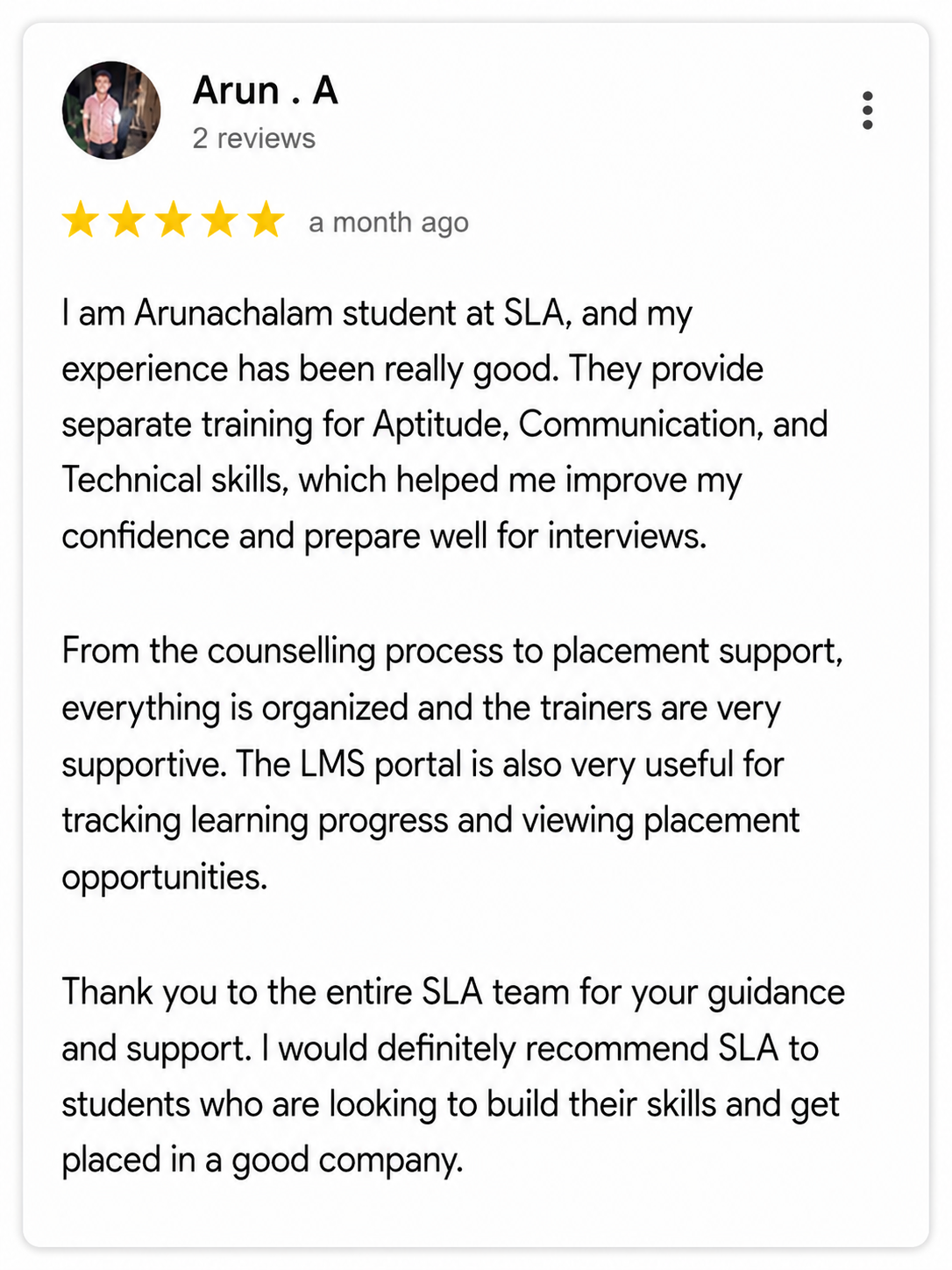
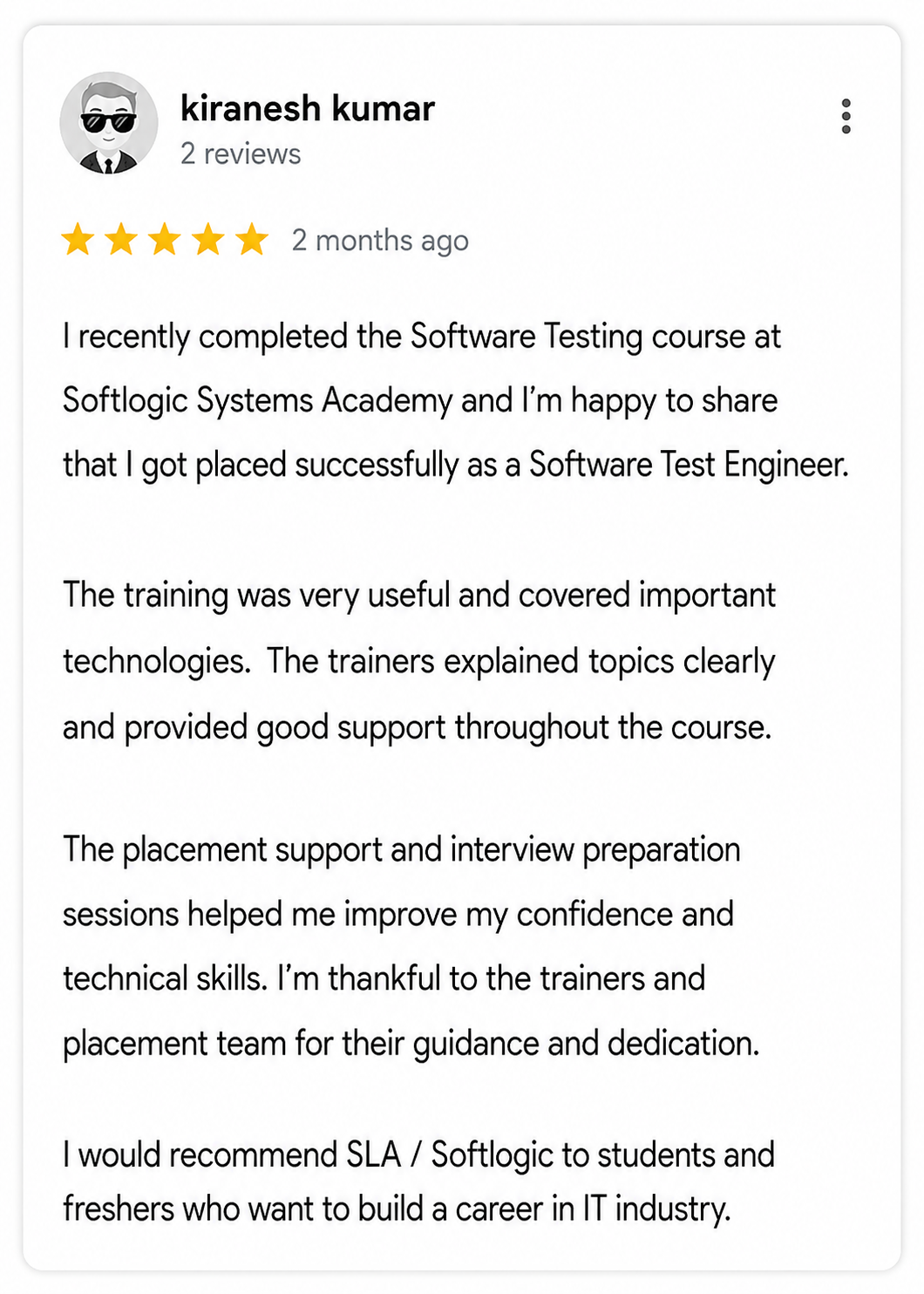
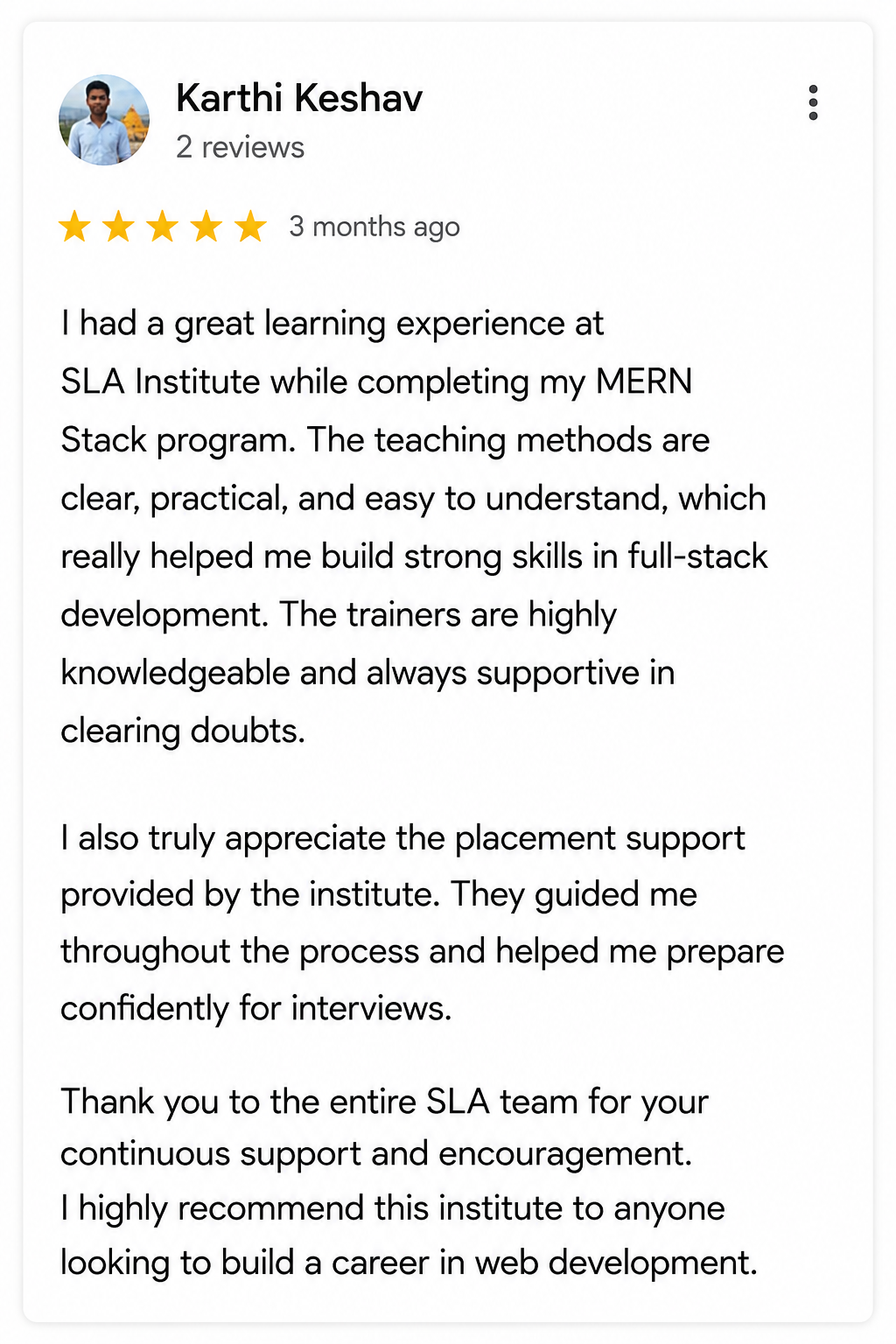
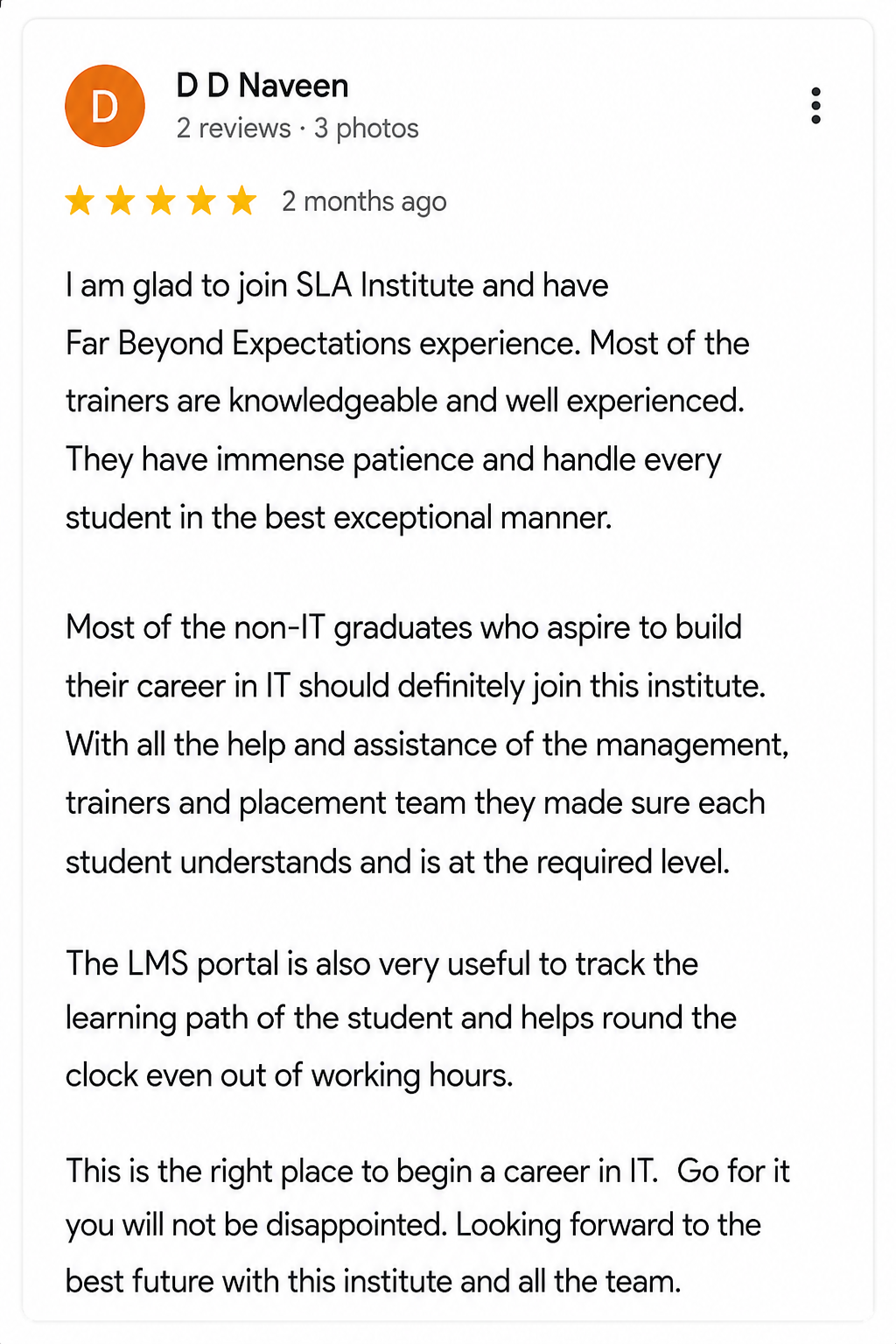
Check our Google Reviews

3D Review Carousel

MCSA Course Syllabus

Download Syllabus
  • Windows Server 2012
  • Windows Server 2012 Management
  • Installing Windows Server 2012
  • Post-Installation Configuration of Windows Server 2012
  • Windows PowerShell
  • AD DS
  • Domain Controllers
  • Installing a Domain Controller
  • Managing User Accounts
  • Managing Group Accounts
  • Managing Computer Accounts
  • Delegating Administration
  • Using Command Line Tools for Administration
  • Using Windows PowerShell for Administration
  • Performing Bulk Operations with Windows PowerShell
  • TCP/IP
  • IPv4 Addressing
  • Subnetting and Supernetting
  • Configuring and Troubleshooting IPv4
  • Installing a DHCP Server Role
  • Configuring DHCP Scopes
  • Managing a DHCP Database
  • Securing and Monitoring DHCP
  • Name Resolution for Windows Clients and Servers
  • Installing and Managing a DNS Server
  • Managing DNS Zones
  • IPv6 Addressing
  • Coexistence with IPv6
  • IPv6 Transition Technologies
  • Storage
  • Managing Disks and Volumes
  • Implementing Storage Spaces
  • Securing Files and Folders
  • Protecting Shared Files and Folders Using Shadow Copies
  • Configuring Network Printing
  • Group Policy Processing
  • Implementing a Central Store for Administrative Templates
  • Windows Security
  • Configuring Security Settings
  • Restricting Software
  • Configuring Windows Firewall with Advanced Security
  • Virtualization Technologies
  • Implementing Hyper-V
  • Managing Virtual Machine Storage
  • Managing Virtual Networks

Implementing a Group Policy Infrastructure

  • Group Policy
  • Implementing and Administering Group Policy Objects (GPOs)
  • Managing Group Policy Scope
  • Group Policy Processing
  • Troubleshooting the Application of GPOs
  • Implementing Administrative Templates
  • Configuring Folder Redirection and Scripts
  • Configuring Group Policy Preferences
  • Managing Software with Group Policy
  • Automating User Account Management
  • Configuring Password-Policy and User-Account Lockout
  • Configuring Managed Service Accounts
  • Implementing Virtualized Domain Controllers
  • Implementing Read-Only Domain Controllers
  • Administering AD DS
  • Managing the AD DS Database
  • Installing the DNS Server Role
  • Configuring the DNS Server Role
  • Configuring DNS Zones
  • Configuring DNS Zone Transfers
  • Managing and Troubleshooting DNS
  • Configuring Network Access
  • Configuring VPN Access
  • Network Policies
  • Troubleshooting Routing and Remote Access
  • Configuring Direct Access
  • Installing and Configuring a Network Policy Server
  • Configuring RADIUS Clients and Servers
  • NPS Authentication Methods
  • Monitoring and Troubleshooting a Network Policy Server

Quick Enquiry

Placement

Dedicated placement support

Learning

Job-Centered Approach

Timings

Convenient Hrs

Mode

Online & Classroom

Certification

Industry-Accredited

Upcoming Batches

Hands On Training
3-5 Real Time Projects
60-100 Practical Assignments
3+ Assessments / Mock Interviews
November 2026
Week days
(Mon-Fri)
Online/Offline

2 Hours Real Time Interactive Technical Training

1 Hour Aptitude

1 Hour Communication & Soft Skills

(Suitable for Fresh Jobseekers / Non IT to IT transition)

Course Fee
November 2026
Week ends
(Sat-Sun)
Online/Offline

4 Hours Real Time Interactive Technical Training

(Suitable for working IT Professionals)

Course Fee

Save up to 20% in your Course Fee on our Job Seeker Course Series

Learn More

We Tie-Up with 1000+ Leading IT and MNC Companies

SLA's Hiring and Placement Partner: Mindtree
SLA's Hiring and Placement Partner: Bosch
SLA's Hiring and Placement Partner: Capgemini
SLA's Hiring and Placement Partner: Fractal
SLA's Hiring and Placement Partner: Delhivery
SLA's Hiring and Placement Partner: Napier
SLA's Hiring and Placement Partner: Google
SLA's Hiring and Placement Partner: SAP
SLA's Hiring and Placement Partner: Merkle
SLA's Hiring and Placement Partner: Observeai
SLA's Hiring and Placement Partner: Tanla
SLA's Hiring and Placement Partner: Deloitte
SLA's Hiring and Placement Partner: Acs Solutions
SLA's Hiring and Placement Partner: Amazon
SLA's Hiring and Placement Partner: Tredence
SLA's Hiring and Placement Partner: Rakuten
SLA's Hiring and Placement Partner: Oracle
SLA's Hiring and Placement Partner: GlobalLogic
SLA's Hiring and Placement Partner: Goldman Sachs
SLA's Hiring and Placement Partner: Publicis Sapient
SLA's Hiring and Placement Partner: Spanidea
SLA's Hiring and Placement Partner: Samsung
SLA's Hiring and Placement Partner: Infosys
SLA's Hiring and Placement Partner: SociéTé GéNéRale
SLA's Hiring and Placement Partner: Tech Mahindra
SLA's Hiring and Placement Partner: Bank Of America
SLA's Hiring and Placement Partner: Cognizant
SLA's Hiring and Placement Partner: Wipro
SLA's Hiring and Placement Partner: Apollo Hospitals
SLA's Hiring and Placement Partner: Mentor Graphics
SLA's Hiring and Placement Partner: Optum
SLA's Hiring and Placement Partner: Siply
SLA's Hiring and Placement Partner: NTT-Data
SLA's Hiring and Placement Partner: Jio
SLA's Hiring and Placement Partner: Perficient
SLA's Hiring and Placement Partner: Pwc
SLA's Hiring and Placement Partner: Latent View
SLA's Hiring and Placement Partner: Birlasoft
SLA's Hiring and Placement Partner: Fareportal
SLA's Hiring and Placement Partner: Highradius
SLA's Hiring and Placement Partner: Intellect
SLA's Hiring and Placement Partner: Nvidia
SLA's Hiring and Placement Partner: Eurofins
SLA's Hiring and Placement Partner: Cyient
SLA's Hiring and Placement Partner: Needl.ai
SLA's Hiring and Placement Partner: CGI
SLA's Hiring and Placement Partner: Valuemomentum
SLA's Hiring and Placement Partner: Prodapt
SLA's Hiring and Placement Partner: TCS
SLA's Hiring and Placement Partner: GEP
SLA's Hiring and Placement Partner: Accenture

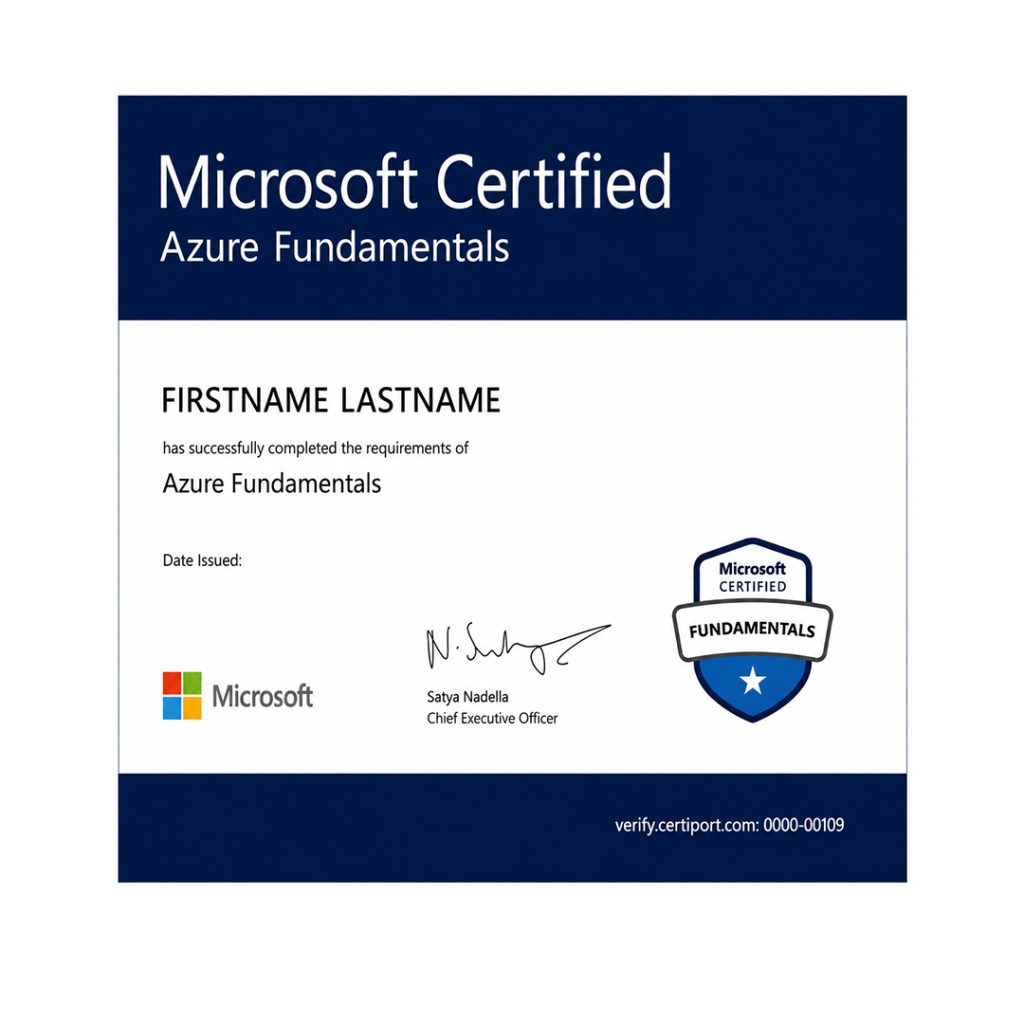
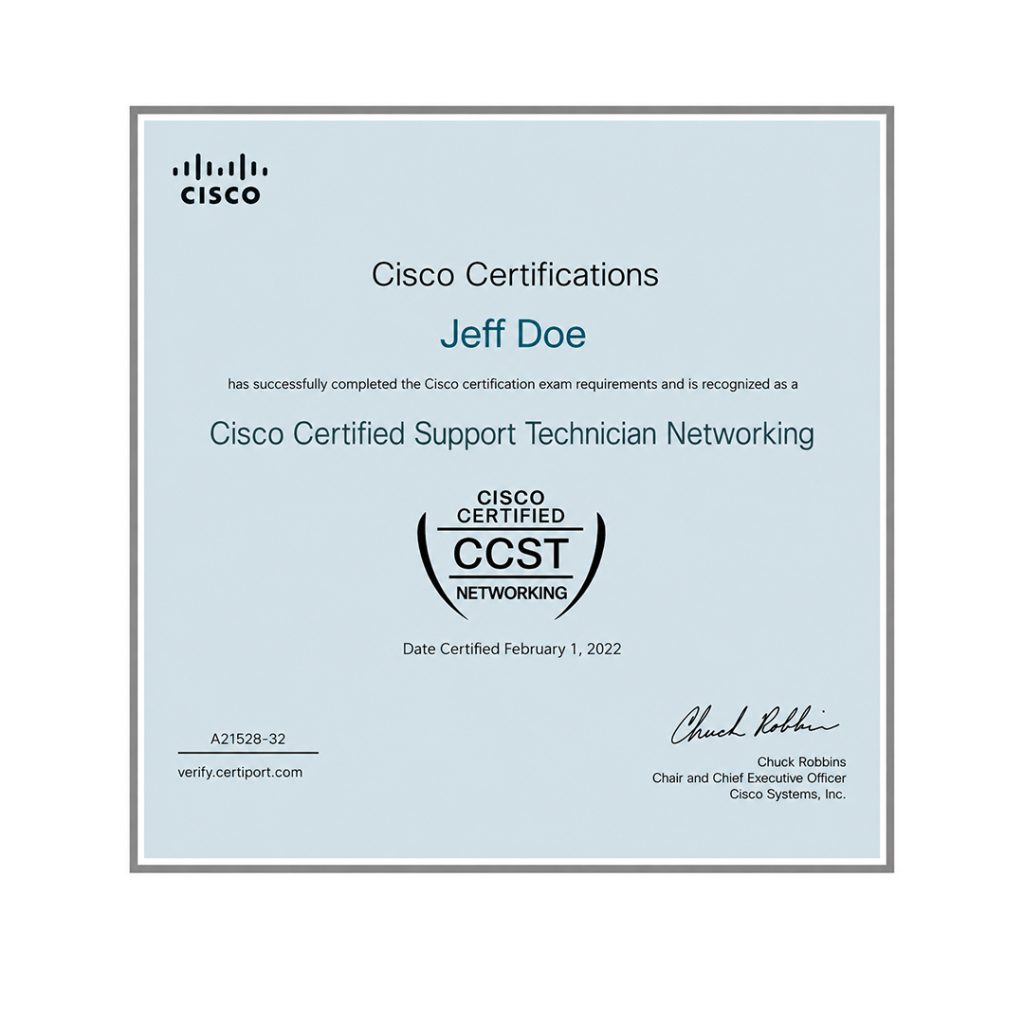
Certifications

Take your career to new heights with Softlogic's software training certifications.
Improve your abilities to get access to rewarding possibilities
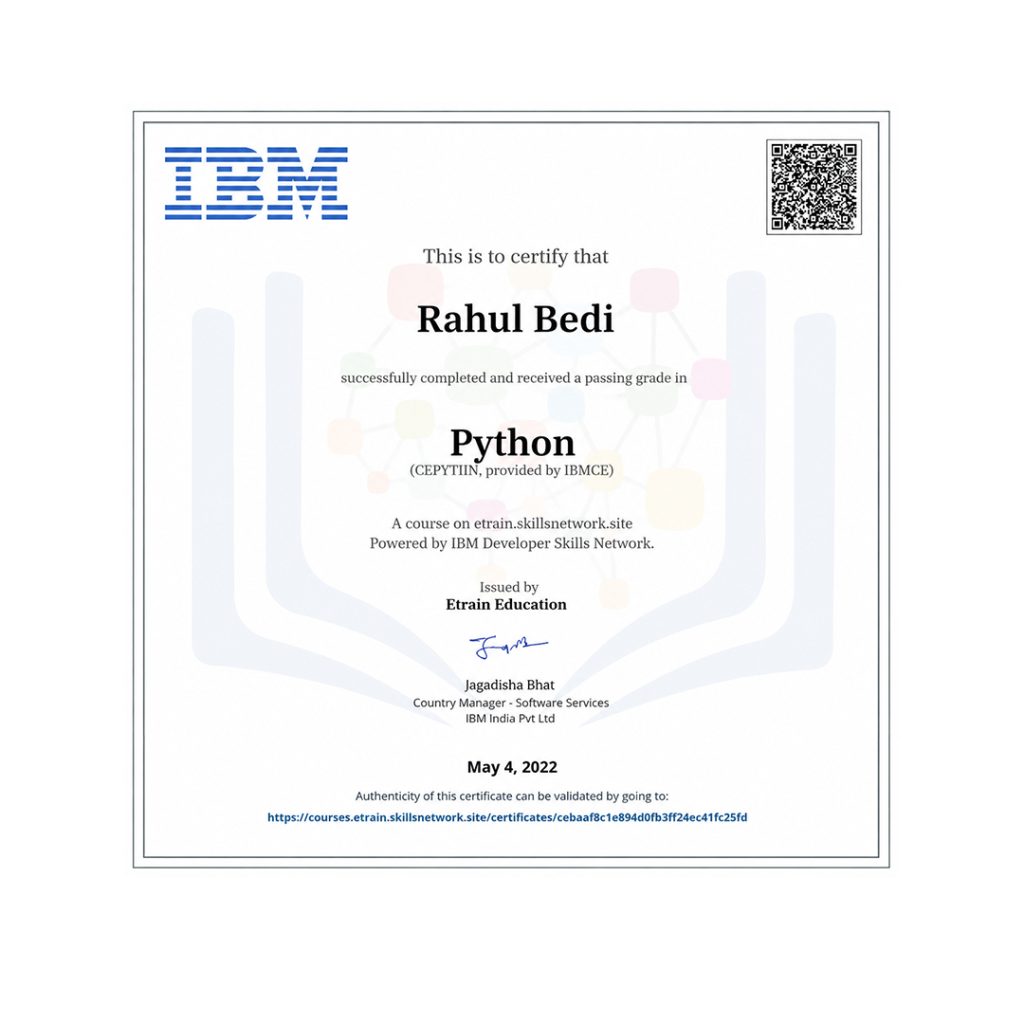
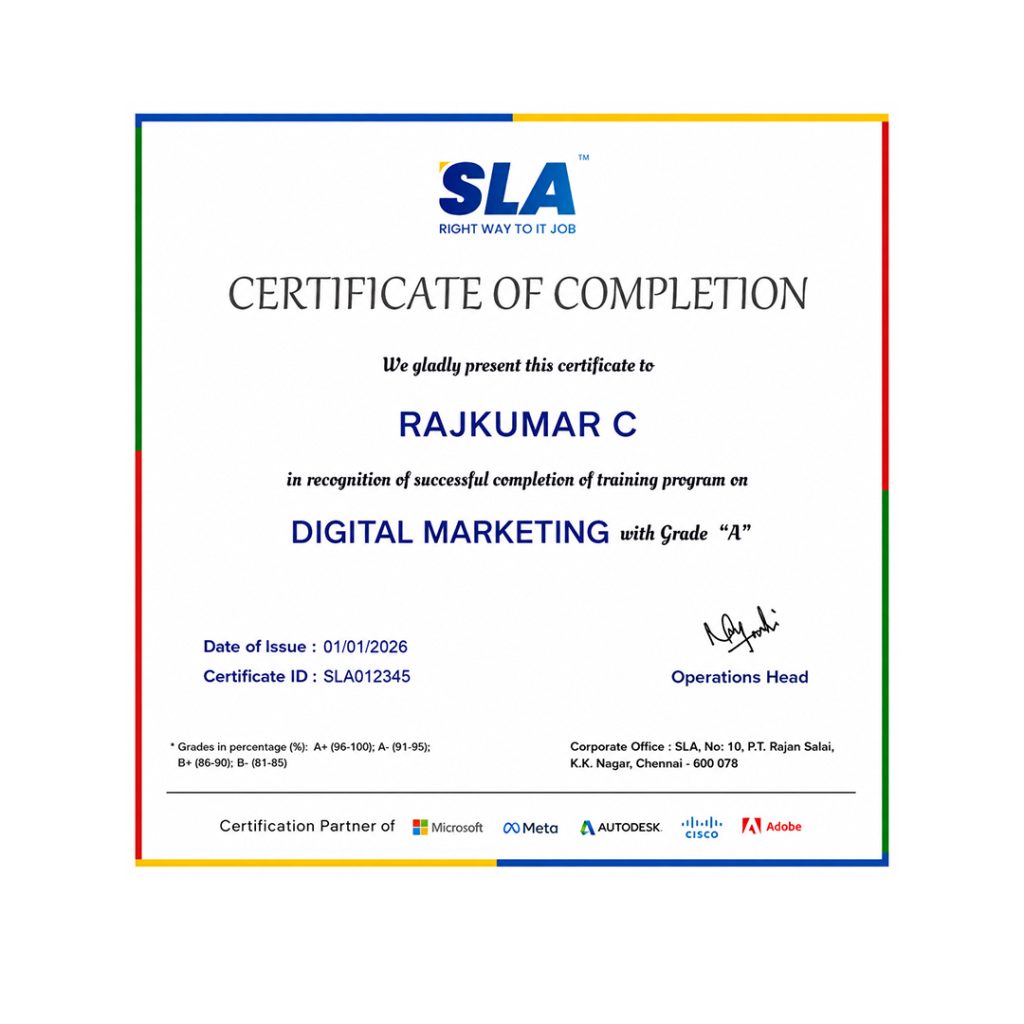
Earn Your Certificate of Completion
Validate your achievements with Softlogic's Certificate of Completion, verifying successful fulfillment of all essential components.
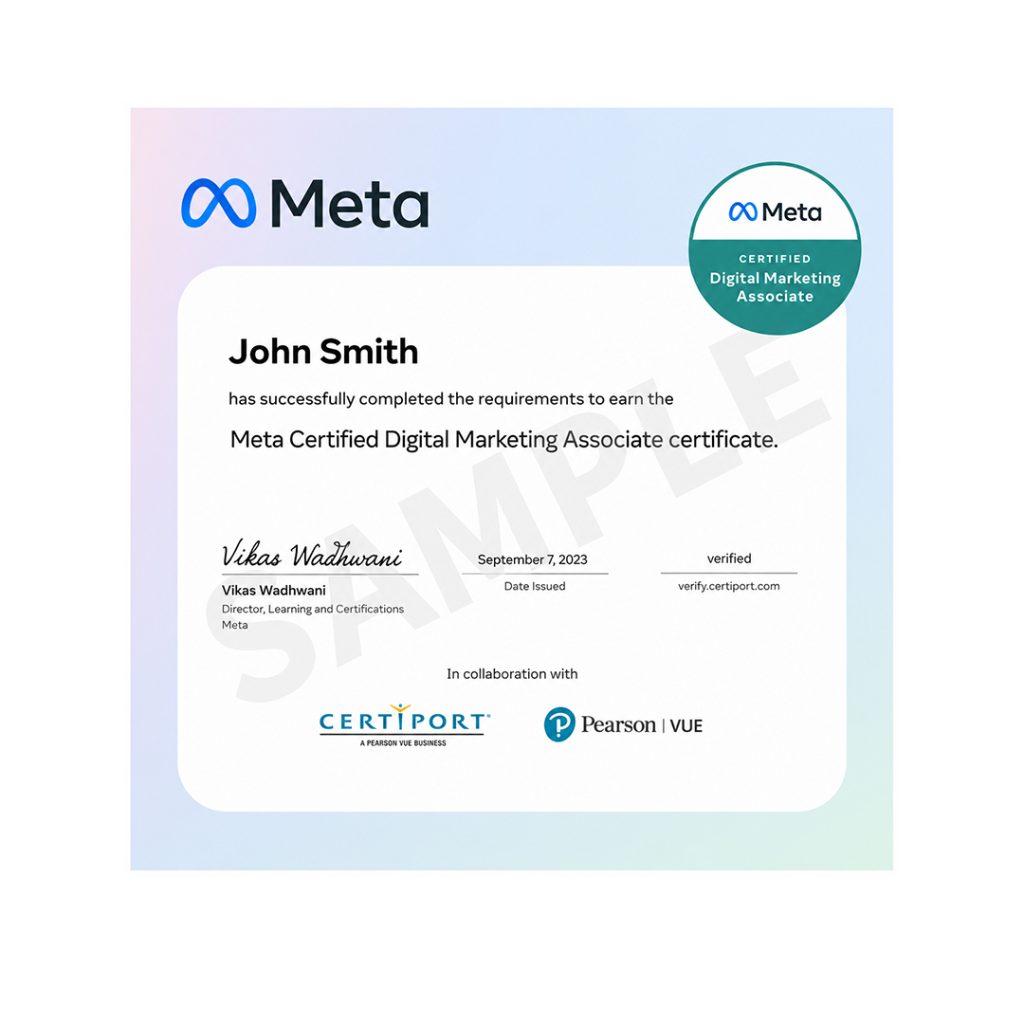
Take Your Career to the Next Level with  Certifications
Get a certifications through our training programs to gain a competitive edge in the industry.
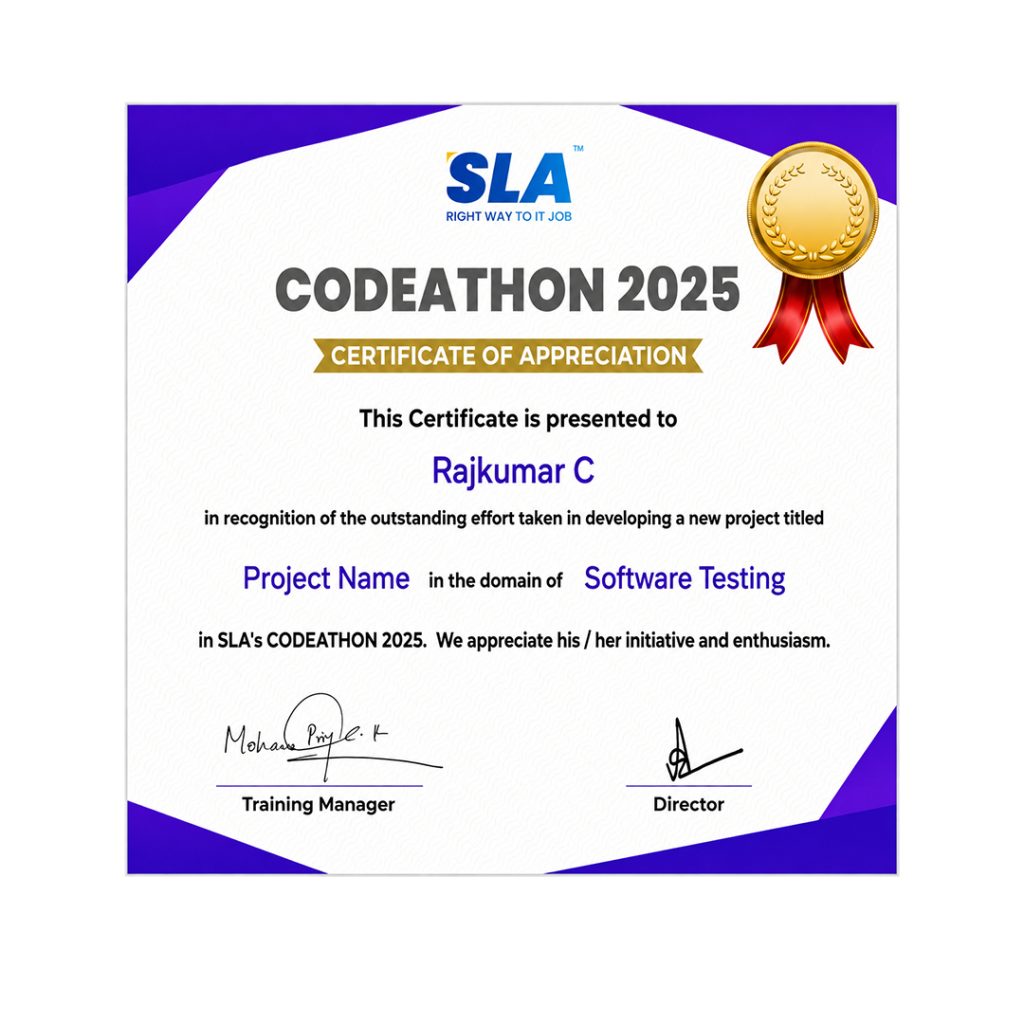
Stand Out from the Crowd with Codethon Certificate
Verify the authenticity of your real-time projects with Softlogic's Codethon certificate.

Best MCSA Training in Chennai

MCSA (Microsoft Certified Solutions Associate) is the foundation certification exam for many Microsoft Certification courses. Our MCSA Course in Chennai makes your proficient with all necessary skills along with validated course completed certificate to obtain in-demand jobs in big MNC and IT companies. The students can learn in their convenient learning hours through regular mode, weekend mode, fast track mode, or instructor-led live online mode. Contact us to book a free demo class to check out our MCSA Training Institute in Chennai.

Objectives of MCSA Course in Chennai

Our MCSA Course in Chennai is intended to equip the students with current industry requirements such as installation, configuration, and administrating Microsoft products. We make the students have in-depth understanding of creating and maintaining user logins, network access, and data security of Windows operating system and other products of Microsoft. Following are the assured learning outcomes of our MCSA Training in Chennai at SLA Institute.

  • Implement IT infrastructure for user groups, remote management, and upgrade management.
  • Install, manage, and maintain networking services of Windows and Microsoft products.
  • Deploy IPV6, IPV4, DHCP, DNS, and local storage services effectively. 
  • Install, configure, and maintain systems and servers efficiently.
  • Advanced knowledge in designing, deploying, optimizing, and operating IT infrastructures.
  • Proficiency in creating mobile and web applications and services with the help of Microsoft tools and technologies.

Learn the best MCSA Course in Chennai at SLA Institute as we provide comprehensive knowledge in Microsoft products and Servers with complete hands-on exposure. 
Achieve Your Goals With SLA

SLA builds your future with comprehensive coursework and unparalleled placement support.
Register For Free Demo

Project Practices on MCSA Training

Project 1Installing & Administrating Windows Server

Get hands-on practice with the implementation and administration of Windows Server as a part of MCSA Course

Project 2Microsoft SQL Server Database Querying

Get proficiency in querying with SQL Server database for store and retrieve data along with complete understanding.

Project 3Manage, Configure, and Maintain Windows 11

Gain expertise on installation, configuration, and maintenance of Windows 11 Operating System with hands-on.

Project 4Implementing a Data Warehouse

Learn to implement data warehouse by practicing on determining business objectives to locating data sources.

Prerequisites for learning MCSA Training in Chennai

There is no prerequisite for learning MCSA Training in Chennai as we offer the course from scratch for college students and fresh graduates. We have customized MCSA Course Syllabus for the students to have personalized learning experience at SLA Institute. However, working professionals are suggested to have following fundamental knowledge to pursue the course with hands-on exposure. 
  • Basic networking and hardware knowledge
  • MTA certification is an added advantage

Who Should Attend Our MCSA Training ?

Our MCSA Course in Chennai is helpful for freshers and working professionals to begin or transform their career in the IT infrastructure management of big companies. We equip the students with well-framed MCSA Course Syllabus, well-equipped class and lab rooms, and well-versed training faculties for local and remote candidates. Following candidates are eligible to take up our MCSA Training Course in Chennai with 100% Placement Assistance.

  • Fresh graduates with any diploma on engineering courses like EEE, ECE, CSE, or IT.

  • Working professionals who have experienced as system admin, system engineer, network specialists, network admin, technical support executive, database developer, or cloud application developer.
  • Any interested candidates who want to shine in hardware and networking field.

Want to learn with a personalized course curriculum?

MCSA Course FAQ

The SLA Way to Get Placed

The SLA Way to Get Placed

Seven connected stages, one continuous path from enrollment to your career launch — here is exactly how it works, step by step.

01
🎓

Technical Mastery

Industry-aligned curriculum, daily coding tasks, real-time projects.

02
💻

Career Readiness

Aptitude, communication, ATS-friendly resume optimization.

03
🎯

Placement Prep

Aptitude, communication tuning and technical interview mastery.

04
💬

Panel Mock Interviews

Real company-pattern mocks with expert panel feedback.

05
👨‍💼

Interview Schedule

Multiple company drives with lifetime placement support.

06
📝

Interview Feedback

Detailed performance analysis and one-on-one guidance.

07
🏆

Launch Your Career

Land your first job with lifetime alumni and career support.

Know the process

Listen to Our Students' Video Testimonials

Related Blog Posts

Just a minute!

If you have any questions that you did not find answers for, our counsellors are here to answer them. You can get all your queries answered before deciding to join SLA and move your career forward.

We are excited to get started with you

Give us your information and we will arange for a free call (at your convenience) with one of our counsellors. You can get all your queries answered before deciding to join SLA and move your career forward.